PDF to Text
Extract searchable text from digital and scanned PDFs.
Knowant Document extracts text and tables from PDFs and images with AI OCR then continue in Writer or Tutor.
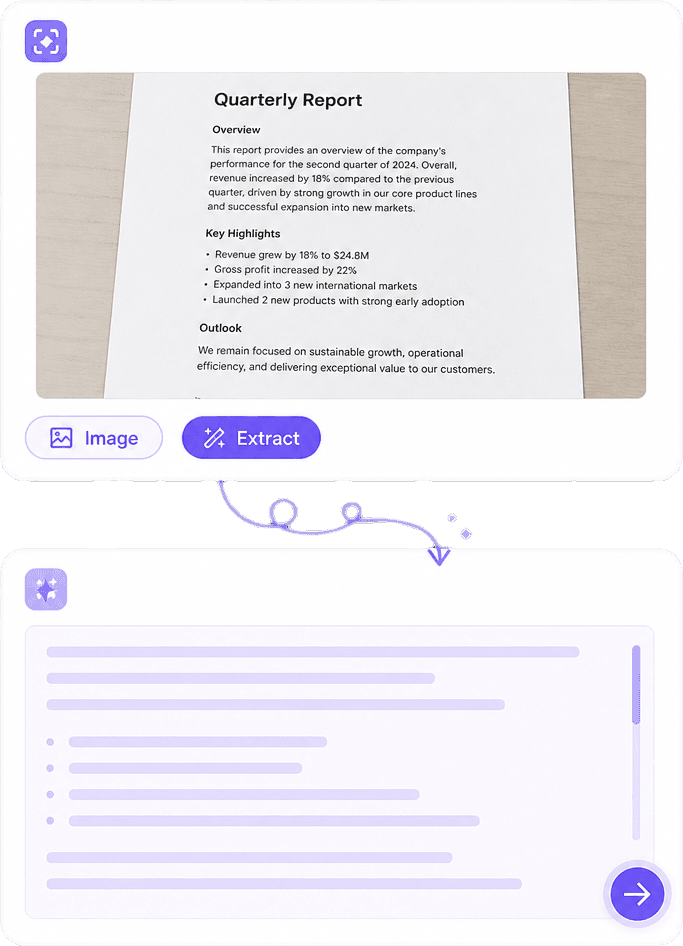
From scans to spreadsheets, Knowant Document unlocks editable text and tables with AI OCR.
Scanners and OCR utilities often stop at raw text. Document extracts pages and tables you can edit, study, or rewrite next.


 ConnectionBuilt By Knowant
Helping researchers and teams unlock text and tables from scans, PDFs, and photos without retyping.
OCR inputs
PDF & images
Including scanned pages
Tables
Excel-ready
Pull rows and columns from docs
Start
Free
Starter page limits to try OCR
Digitize pages, extract tables, and move clean text into the next step of your work.
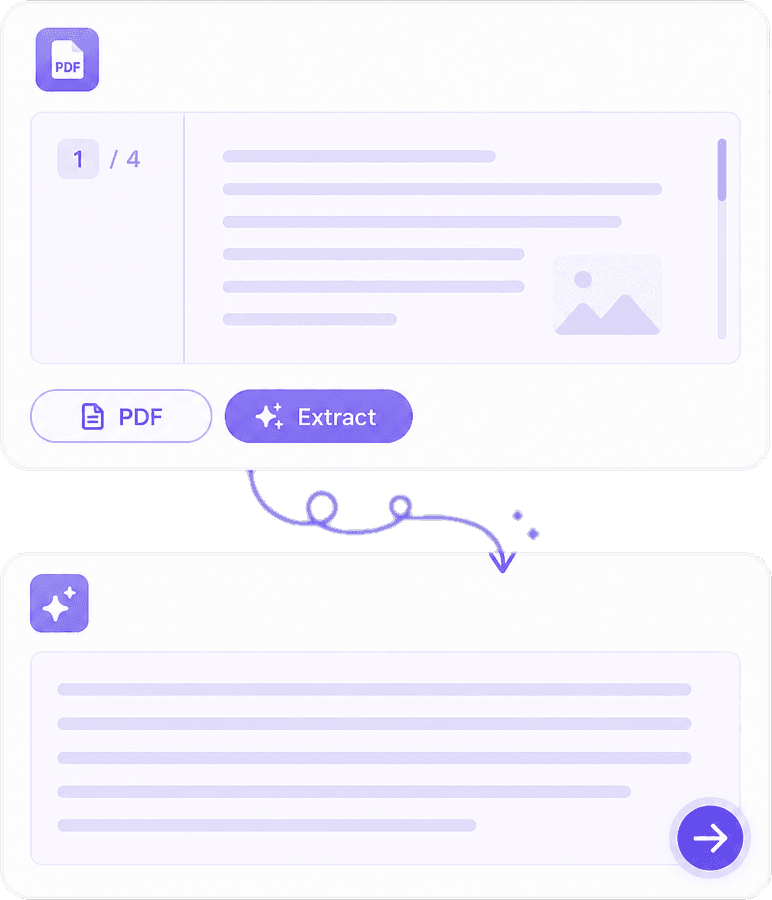
Convert digital and scanned PDFs into searchable, editable text.
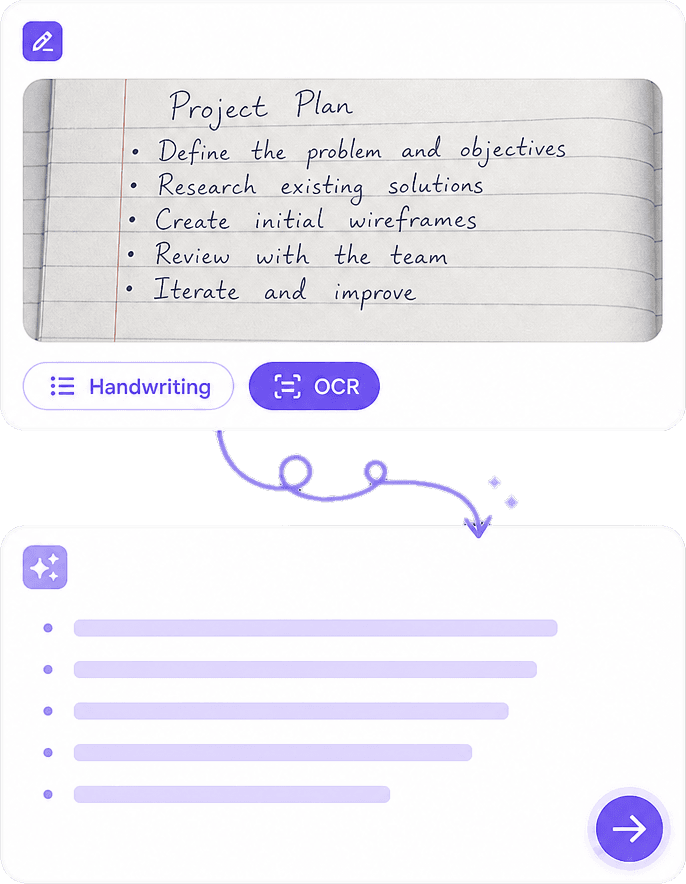
Capture notes, worksheets, and printed pages with your camera and extract text.
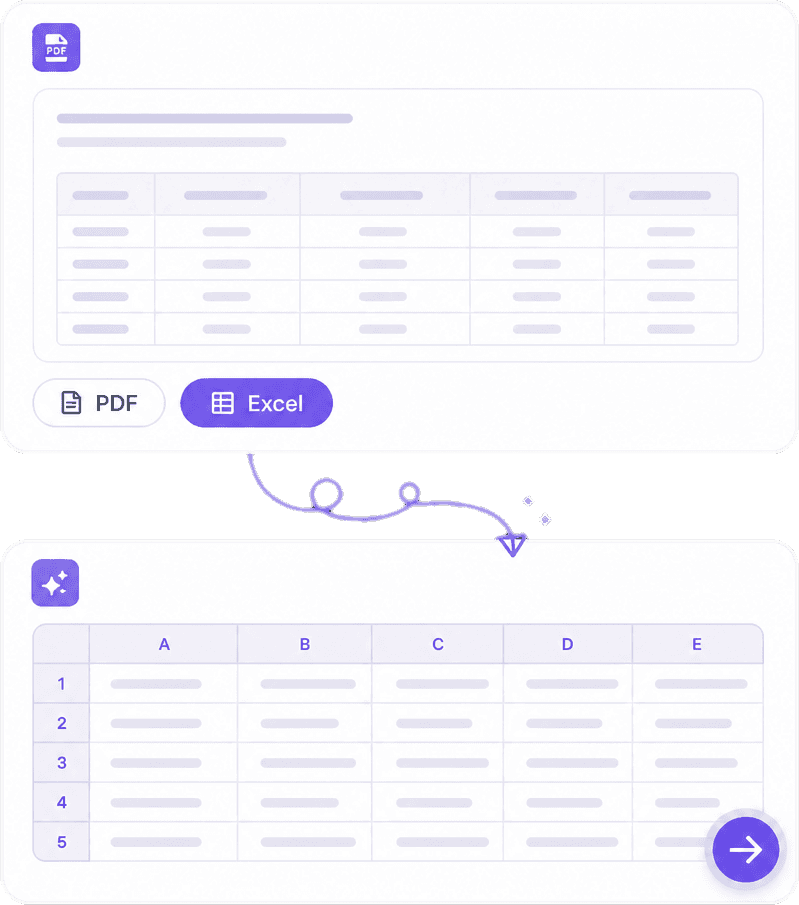
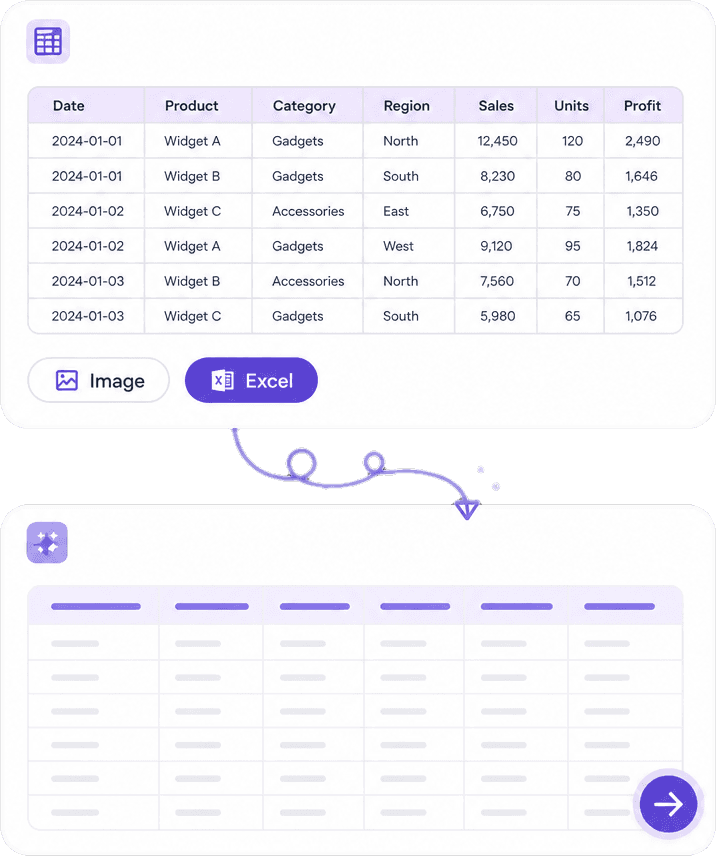
Pull rows and columns into spreadsheets for analysis and sharing.
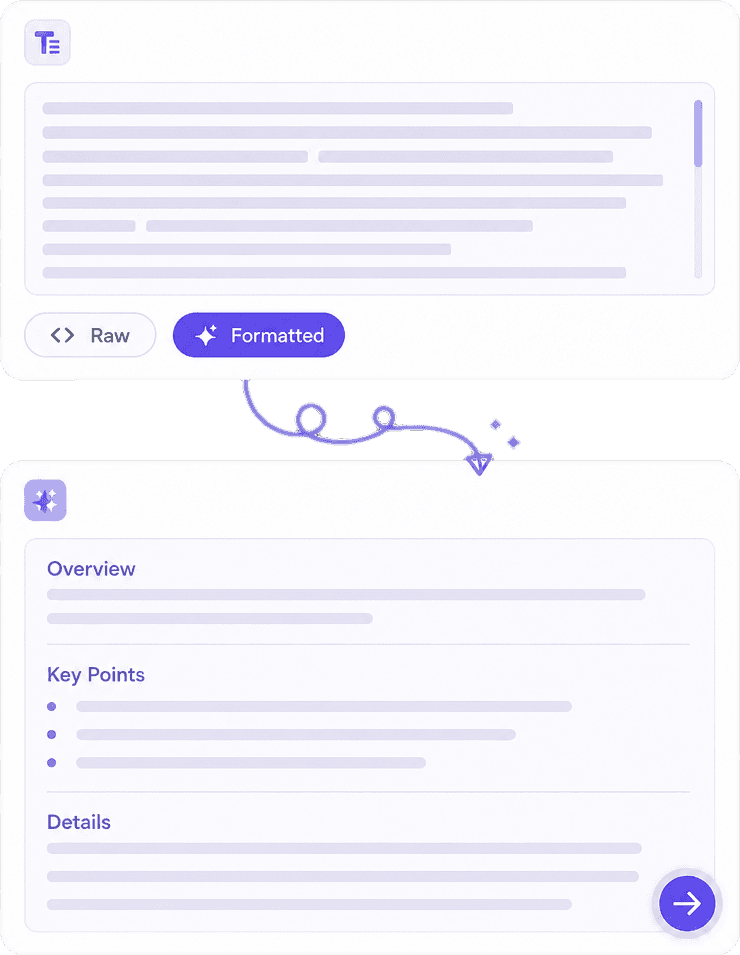
Use extracted text in Writer for drafts or Tutor for study without retyping.
Hear from researchers and teams using Knowant Document to digitize PDFs, scans, and tables.
“Scanned textbooks finally become text I can highlight and quote without retyping pages.”
Annika Palmari
“PDF to Excel pulled invoice tables cleanly enough to analyze the same afternoon.”
Ryan Hoffman
“Photo OCR on worksheets saves me from typing homework problems into Tutor by hand.”
Austin Distel
“Contracts and scanned packs become editable text I can rewrite in Writer immediately.”

Brooke cagle
Start free, then unlock higher OCR volume for PDFs, scans, and table extraction.
Try Document OCR with starter page limits.
Free
Get started freeMore pages for research packs and scanned archives.
Per user, billed monthly
Upgrade to PlusHighest OCR capacity for teams digitizing at volume.
Per user, billed monthly
Upgrade to ProHow Knowant Document extracts text and tables from PDFs and images — including scanned pages.
Document is an OCR product for extracting text and tables from PDFs and images — including PDF to text, image to text, PDF to Excel, and image to Excel.
Yes. Document OCR is built for scanned pages and photos of documents, not only born-digital PDFs.
Yes. Use PDF to Excel or image to Excel to pull rows and columns into spreadsheet-ready output.
Download or copy the editable result, then continue in Writer for drafts or Tutor for study when you need the next step.
Yes. Start free with starter page limits, then upgrade when you need higher OCR volume.
Use Document when the source is a scan, worksheet photo, or multi-page PDF and you need searchable text or tables without manual typing.
Try Document OCR free for PDF to text, image to text, and table extraction.