“This AI Translator helps me understand academic materials in multiple languages while keeping the meaning accurate. It's much better than traditional translators.”
Annika Palmari
International Student
Turn text prompts into images with Knowant’s free AI image generator. Describe a scene, style, or concept and get visuals for blog headers, pitch decks, mood boards, and social posts — useful when you need a draft image fast, not when you already have a shot list and photographer booked.
No image generated yet
Record conversations, generate summaries and action items, then send follow-ups without rewriting the meeting.
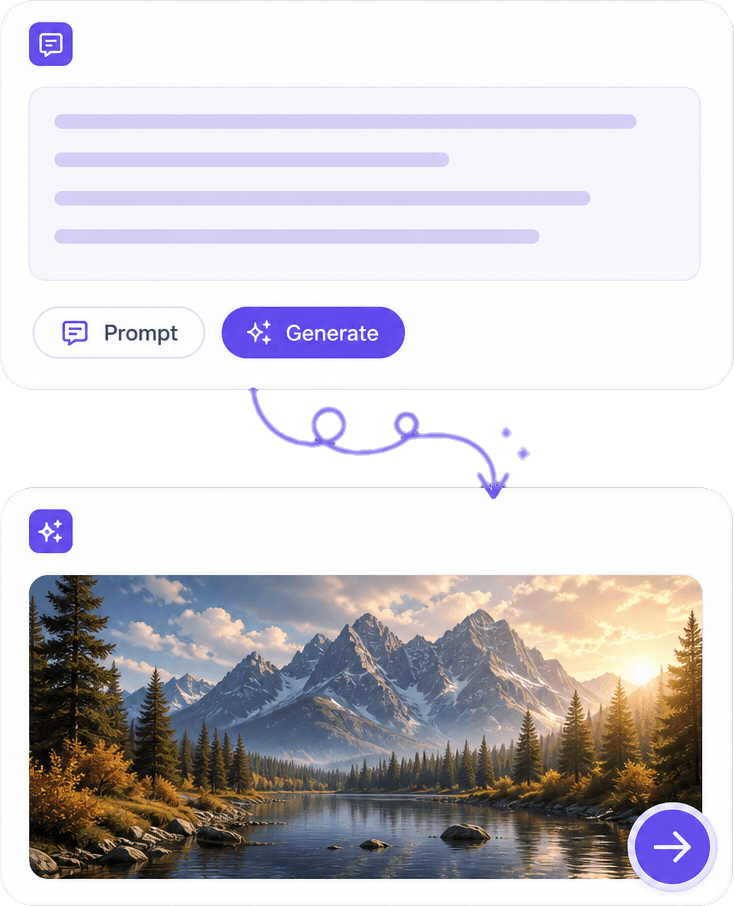
Your prompt is the brief: who or what appears, where they are, and how it should feel (photo, illustration, 3D, etc.). Specific nouns and lighting beat vague adjectives. Generate several times when the first frame is close but not quite aligned with your layout or headline.
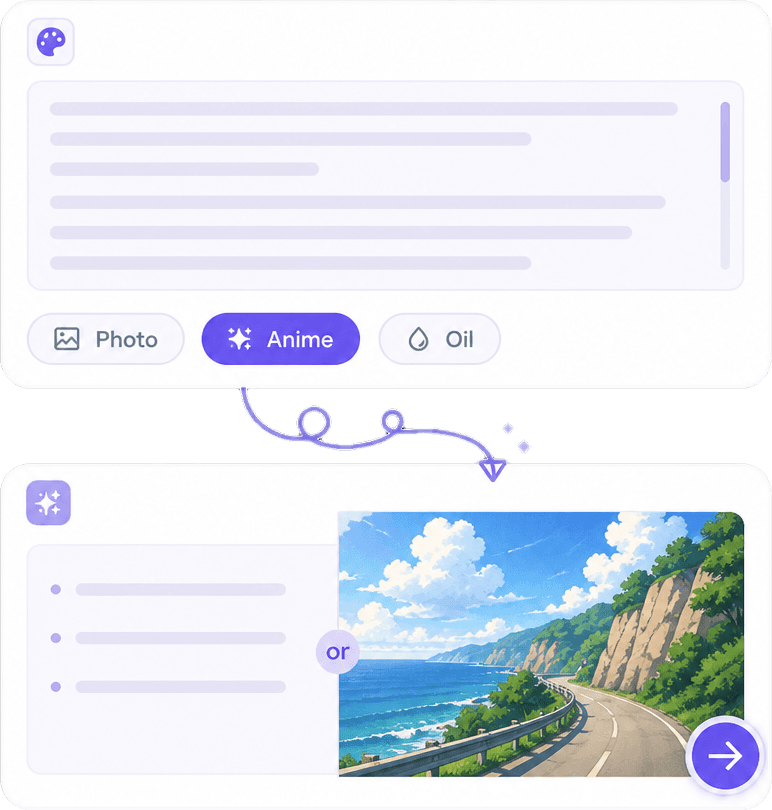
Ask for realistic scenes, flat icons, watercolor, anime, concept art, or minimal product renders. Style words steer the model; conflicting instructions ( “minimal” plus “busy collage”) confuse output. Match aspect ratio to the placement — banner, square post, or slide — before you download.
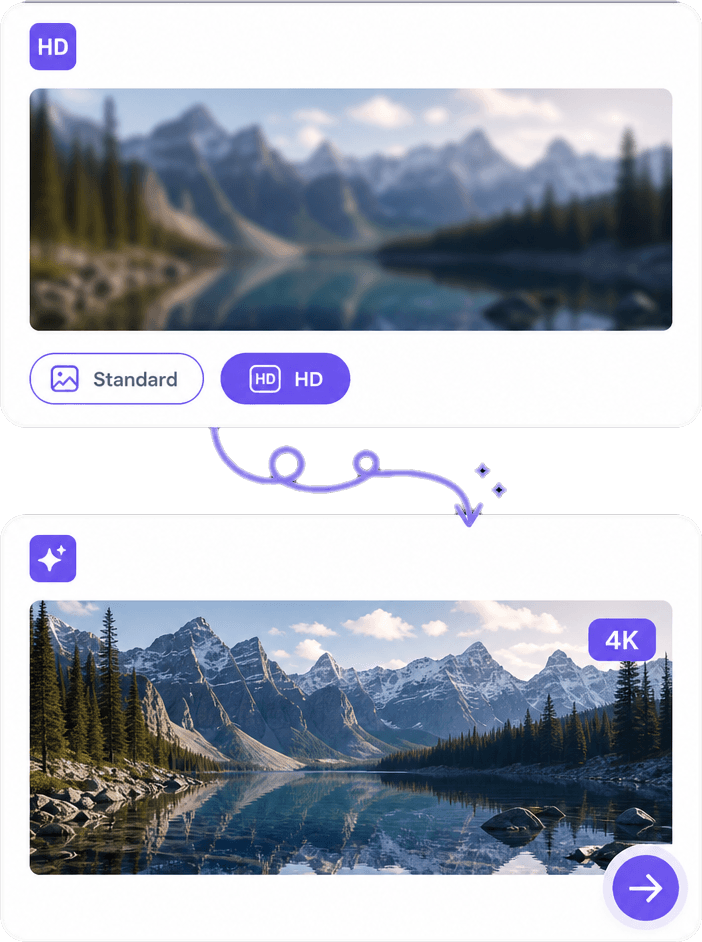
Exports are meant for web and draft print, not automatic billboard perfection. Check faces, hands, and text in the image — known weak spots. Sharpen or crop in your editor, or regenerate with a tighter prompt if artifacts show up in the hero slot of your site.
Stock libraries repeat the same poses; blank canvases stall projects. A prompt-based generator gives you options to compare compositions and palettes in minutes. For consistent brand series and higher-volume creation, Knowant Creator bundles generation with editing workflows on the same platform.
Explore multiple concepts from one brief instead of scrolling stock for hours.
Shift from photographic to illustrated looks by changing prompt language, not switching apps.
Mood boards, storyboards, and internal decks benefit from quick visual options.
Regenerate when composition or color is off — speed is the main advantage over a single manual sketch.
Write a clear prompt, pick style or size if the tool offers it, generate, then download or refine — iterate until one result fits your brief.
Include subject, environment, camera or art style, and mood. Example structure: “Product on marble surface, soft window light, lifestyle photo, shallow depth of field.”
Select aspect ratio and quality options when available. Align orientation with YouTube, Instagram, or slide templates so you crop less later.
Review the result at full size, download the best variant, and note your prompt for reproducibility. Move to Knowant Creator for related edits, infographics, or thumbnail formats.
Creators and teams describe using AI images to unblock drafts, test concepts, and fill gaps when time or budget is tight.
“This AI Translator helps me understand academic materials in multiple languages while keeping the meaning accurate. It's much better than traditional translators.”
Annika Palmari
“I use it to generate eye-catching YouTube thumbnails and social media graphics. The image quality is fantastic and saves me a lot of time.”
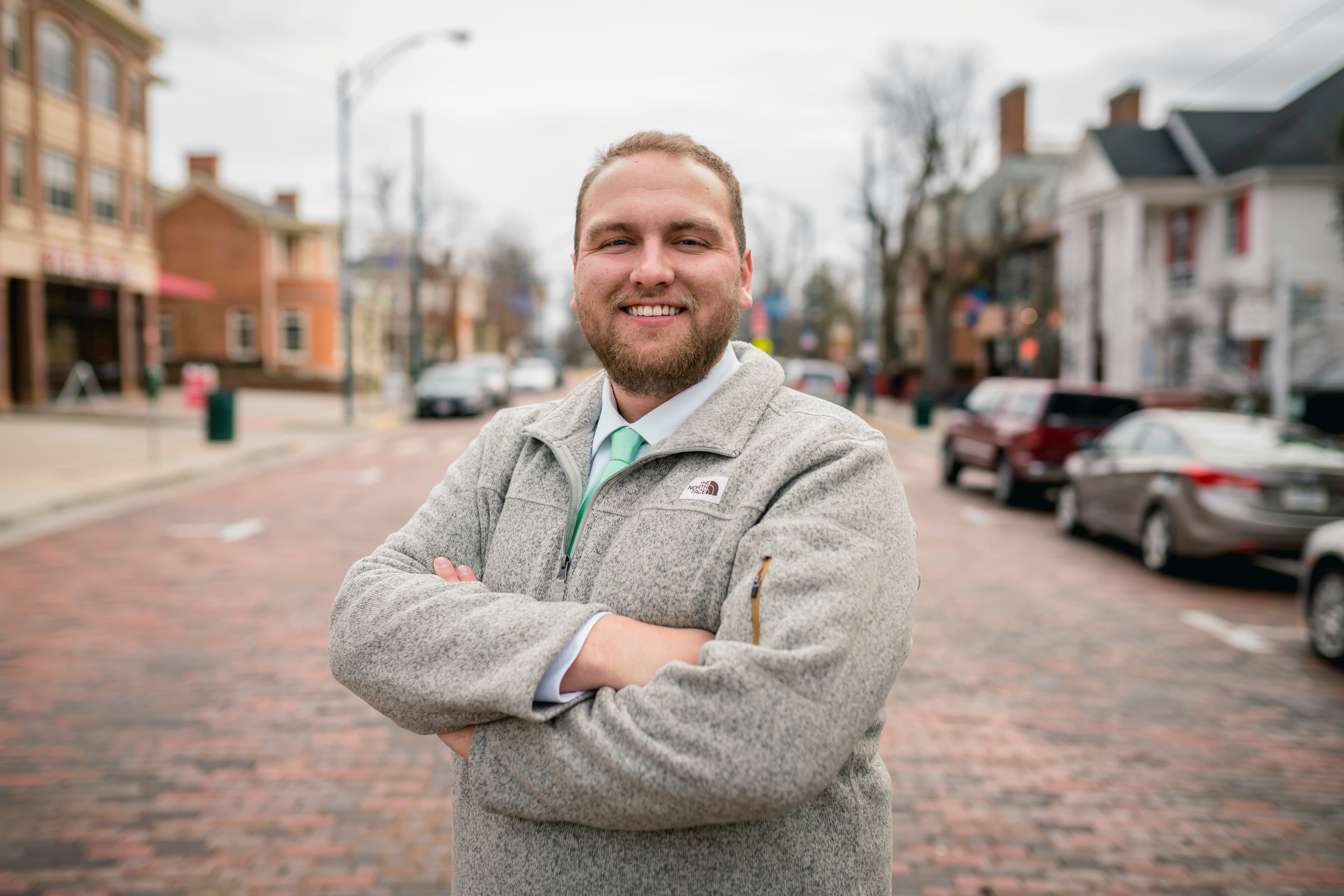
Ryan Hoffman
“Converting invoices and purchase reports into Excel has become effortless. The table recognition is incredibly accurate.”

Austin Distel
“I use it to generate social media posts and ads. The content is always engaging and relevant to my audience.”
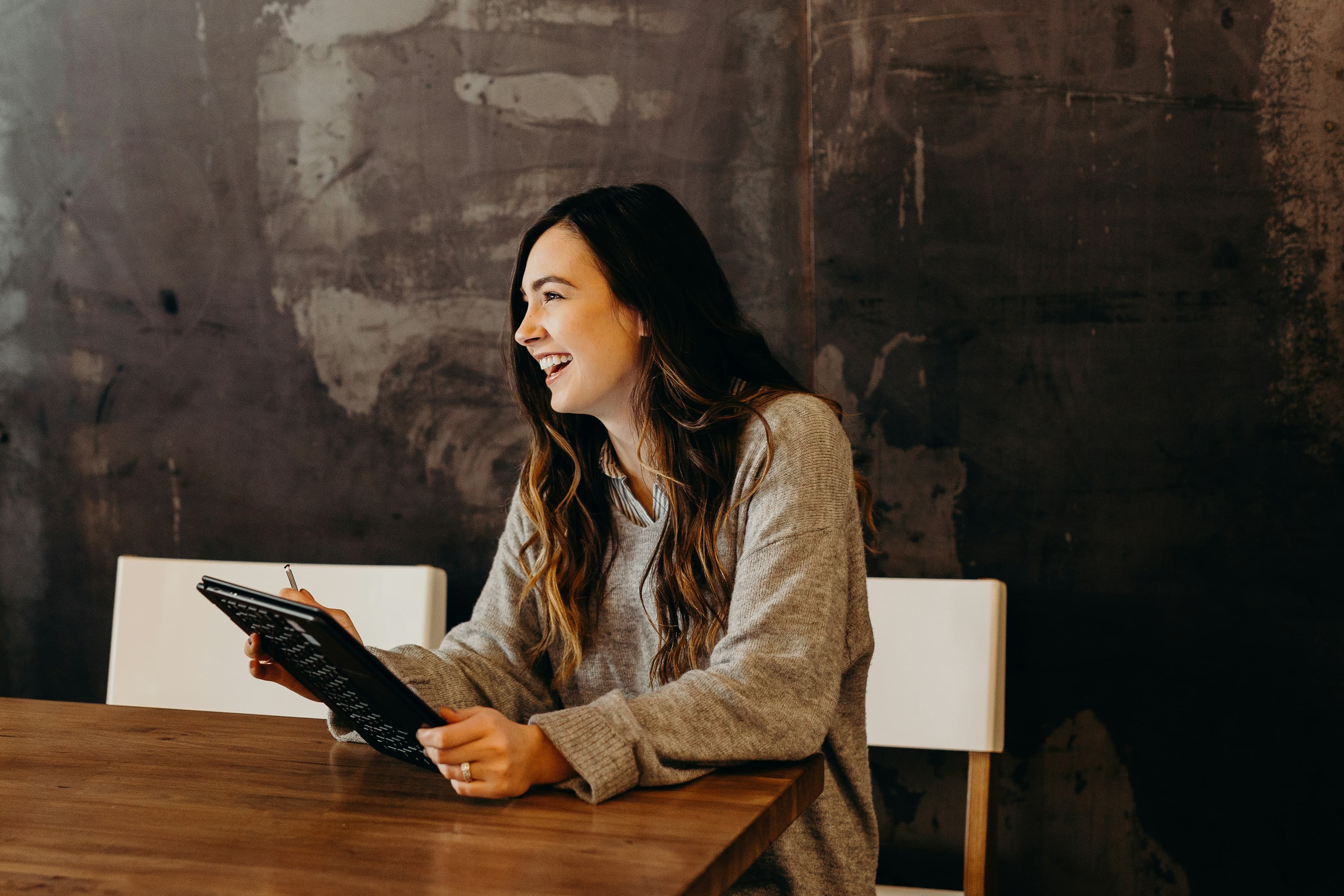
Brooke cagle
How text-to-image works, prompt tips, usage rights, quality expectations, and how AI images fit next to real photography.
An AI image generator creates pictures from natural-language prompts using trained diffusion or similar models. You describe content and style; the system returns a new raster image. Knowant’s free tool is for quick creation in the browser — not a replacement for every professional photography or illustration commission.
Lead with the main subject, then setting, lighting, medium (photo, oil painting, vector-like), and composition. Avoid overloaded lists. If text or logos must be readable, plan to add typography in design software — most generators render words unreliably.
You can generate images on this page without payment for entry-level use. Free tiers may cap daily generations or resolution. Check current limits on the tool. Paid Knowant plans expand credits and access to Creator features when you outgrow casual use.
Usage depends on your plan, jurisdiction, and whether the output resembles trademarked characters or real people. Read Knowant’s terms and your client contracts before using AI art in ads, merchandise, or paid campaigns. When in doubt, use AI for internal drafts and license final hero assets separately.
Generative models still struggle with fine anatomy and spelling inside images. Regenerate, crop problematic areas, or fix in an editor. For portraits that must look real, consider real photography or heavily directed prompts and multiple attempts rather than one click.
Common uses include blog illustrations, social graphics, concept art, mock environments, abstract backgrounds, and presentation visuals. Avoid generating imagery you do not have rights to imitate (celebrities, branded characters, confidential products) without proper clearance.
Stock is pre-shot and licensed; AI is synthesized from your description. Stock wins for authentic diversity and legal clarity on recognizable places; AI wins for odd angles, fictional products, or rapid style experiments. Many teams combine both.
This page focuses on text-to-image. For thumbnails, background removal, infographics, and broader creative workflows, use Knowant Creator: https://www.knowant.com/product/create-with-ai. If your source material is a scanned PDF rather than a prompt, extract text with Knowant Document first, then illustrate from that outline.
 Knowant
Describe what you want — subject, setting, mood, medium — and generate images for blogs, ads, presentations, and prototypes. Results vary with prompt detail and model limits; treat outputs as starting points you can edit, upscale, or replace with licensed photography before high-stakes publish.