“This AI Translator helps me understand academic materials in multiple languages while keeping the meaning accurate. It's much better than traditional translators.”

Annika Palmari
International Student
Rewrite sentences and paragraphs with AI while keeping the same meaning — clearer wording, smoother flow, and a tone that fits your audience. Free to try for notes, blogs, emails, and study drafts. You are still responsible for citing sources and checking originality; this tool helps you express ideas in your own words, not skip attribution. For long-form drafting, continue in Knowant Writer at https://www.knowant.com/product/write-with-ai.
No paraphrased text yet
Write faster with Knowant and get more done in less time.
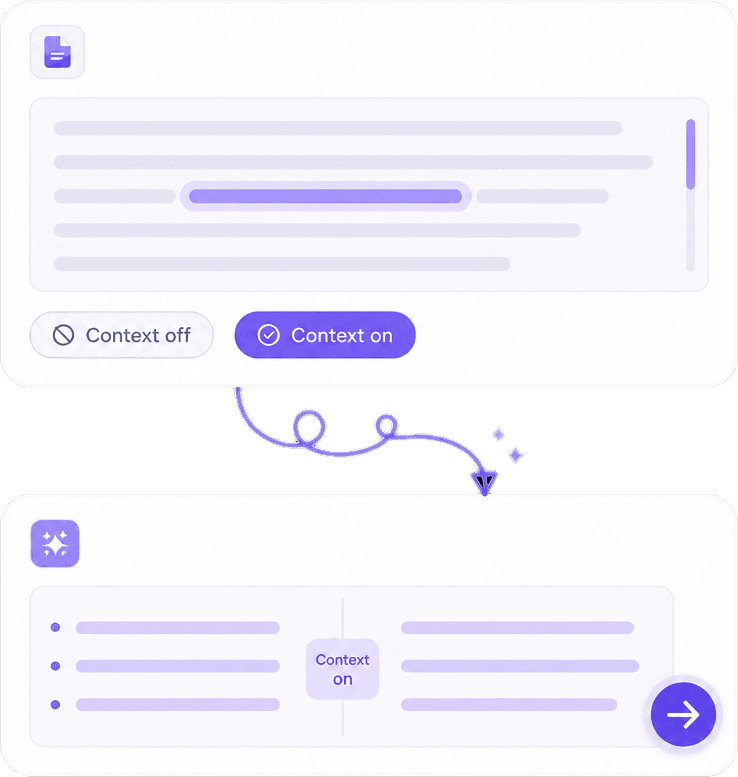
The model considers neighboring sentences so pronouns, lists, and technical terms stay aligned. That matters when you paraphrase a methods section, a product FAQ, or a step-by-step guide where one wrong word breaks the logic.
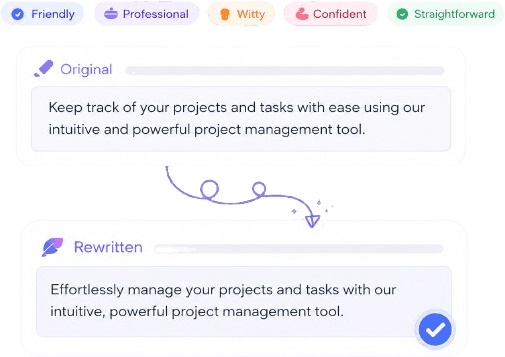
Shift toward formal report language, conversational blog voice, or concise bullet-friendly prose depending on who will read it. Style controls help match academic rubrics, client brand guides, or social captions without rewriting from scratch.
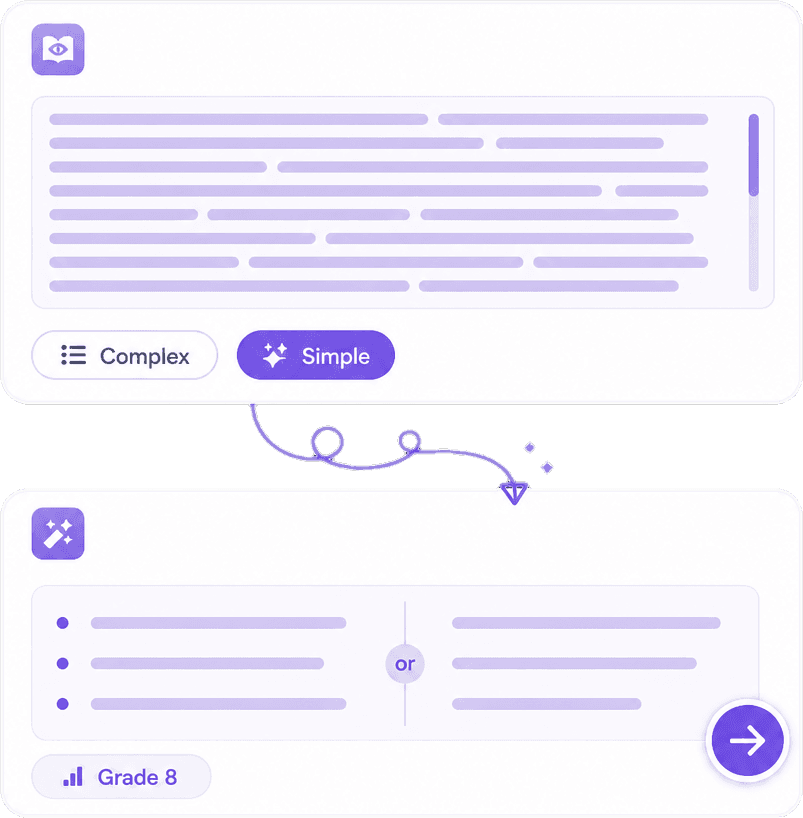
Break up repetitive openings, shorten chained clauses, and replace vague filler with direct verbs. The goal is easier reading — especially when you are adapting the same core update for executives versus a general audience.
Writers paraphrase to clarify, adapt tone, or avoid repeating the same phrasing in a series of posts. Knowant focuses on meaning-preserving rewrites you can edit, plus a path to grammar check and full documents in Writer when the piece grows beyond a few paragraphs.
Output reads like edited prose, not a thesaurus shuffle — still review every line before you publish.
Move from stiff to approachable (or the reverse) when the facts stay the same but the reader changes.
Use paraphrase to express ideas freshly; cite quotes and borrowed concepts, and follow your institution’s rules on AI help.
Rewrite a paragraph in seconds, then copy into Docs, Word, or Knowant Writer for grammar check and final structure.
Paste source text, pick the style that matches your goal, then review the rewrite before you publish or submit.
Add the paragraph or section you want to rewrite. Works best when you include enough context (a full thought, not a lone phrase) so meaning stays accurate.
Pick formal, professional, creative, academic, or casual tone to match the assignment, client, or channel. You can regenerate if the first pass feels too stiff or too loose.
Read the paraphrase against your source: facts, names, and numbers should match. Edit anything that drifted, add citations where needed, then copy the result — or continue in Knowant Writer at https://www.knowant.com/product/write-with-ai for deeper editing.
Students, marketers, and professionals use Knowant to refresh drafts — always reviewing output and honoring source rules themselves.
“This AI Translator helps me understand academic materials in multiple languages while keeping the meaning accurate. It's much better than traditional translators.”
Annika Palmari
“I use it to generate eye-catching YouTube thumbnails and social media graphics. The image quality is fantastic and saves me a lot of time.”

Ryan Hoffman
“Converting invoices and purchase reports into Excel has become effortless. The table recognition is incredibly accurate.”

Austin Distel
“I use it to generate social media posts and ads. The content is always engaging and relevant to my audience.”

Brooke cagle
How paraphrasing works, academic use, tone options, accuracy, originality, and how this tool connects to Knowant Writer.
An AI paraphrasing tool rewrites your text in new wording while aiming to preserve the original meaning. People use it to simplify complex passages, adjust tone, or refresh their own drafts. It is an assistant for expression, not a replacement for reading sources, taking notes, or following citation rules.
No. If the ideas or specific facts come from someone else’s work, cite them according to your style guide (APA, MLA, Chicago, etc.). Paraphrasing helps you avoid copying sentence structure verbatim; it does not remove the obligation to attribute. When in doubt, ask your instructor or editor.
The AI is tuned for fluent English rather than word-for-word synonym swaps. Natural output still needs your review — names, data, and nuanced claims should match your source. Read aloud once; that catches awkward lines faster than skimming.
Students often paraphrase their own notes or permitted sources to meet clarity and originality expectations. Follow your school’s policy on AI tools: some allow paraphrase for grammar-style help, others require disclosure or prohibit it on certain assignments. Never paraphrase to hide that you did not understand the material.
It is designed to keep intent stable, but any automated rewrite can occasionally soften a qualifier or shift emphasis. Compare output to your original, especially for legal, medical, or statistical statements. Reject or manually fix lines that alter claims.
Knowant does not promise a plagiarism-free guarantee or act as a plagiarism detector on this page. Use the originality or similarity tools your school or workplace provides, and keep bibliography records. Paraphrase plus proper citation is the safe academic and professional approach.
Yes — for internal briefs, client newsletters, help articles, and email updates where you own the content or have rights to repurpose it. Do not use paraphrase to misrepresent licensed copy, competitor text, or confidential material you are not allowed to rewrite.
You can try paraphrasing free on this tool page. Knowant Writer (https://www.knowant.com/product/write-with-ai) adds a full workspace: draft longer documents, run grammar check, summarize, and iterate without copying between apps. Many users paraphrase here, then move the section into Writer for the rest of the project.
 Knowant
Turn rough notes, quoted material you have permission to rework, or your own first draft into clearer sentences without changing the core message. Useful for essays, blog posts, newsletters, and internal docs. Paraphrasing is not a substitute for citations: credit original authors and run your school or publisher’s originality checks when required.