Meeting Recorder
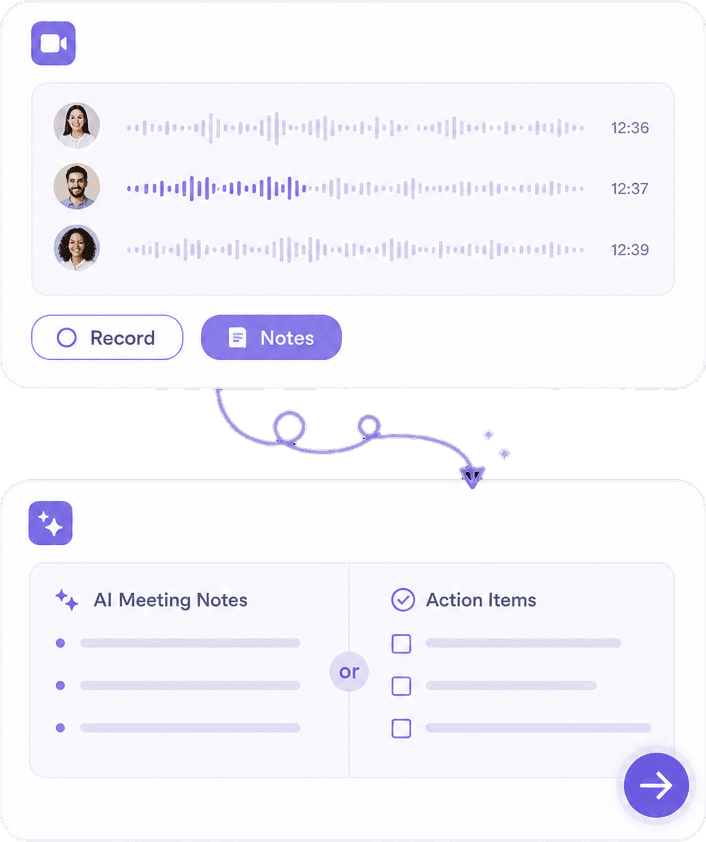
Record conversations and get transcripts, summaries, and action items.
Knowant Voice transcribes meetings, converts text to natural speech, and turns video into searchable text.
Knowant Voice covers speech to text, text to speech, video to text, and natural voiceovers.
Transcription and voiceover tools rarely share one workflow. Voice handles speech to text, text to speech, and video to text together.

 ConnectionBuilt By Knowant
Helping teams and creators capture speech, generate voiceovers, and turn audio into text they can reuse.
Audio jobs
STT + TTS
Plus video to text
Meetings
Speaker modes
Clearer multi-person transcripts
Start
Free
Starter transcription and voice limits
Capture conversations, produce voiceovers, and keep transcripts you can search, share, and edit.
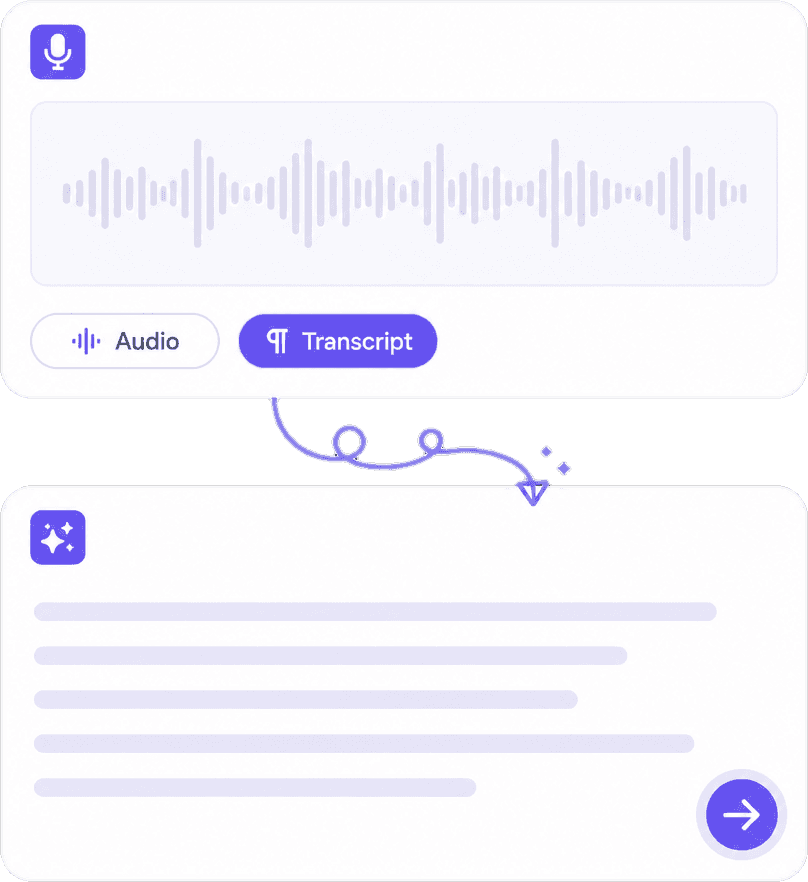
Record discussions and walk away with transcripts you can skim and share.
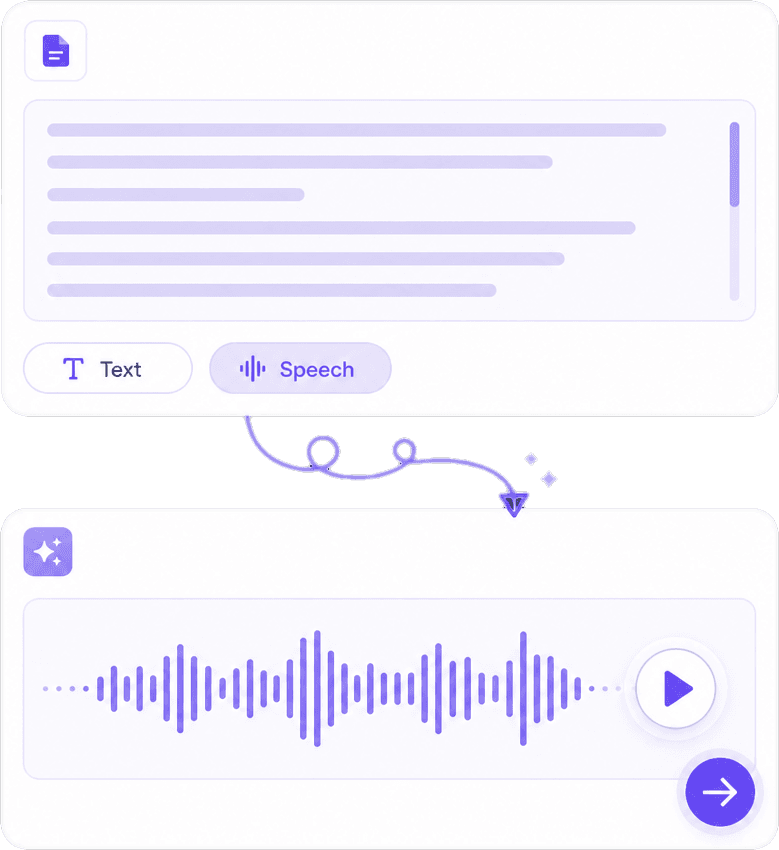
Convert scripts into natural speech for courses, demos, and accessibility.
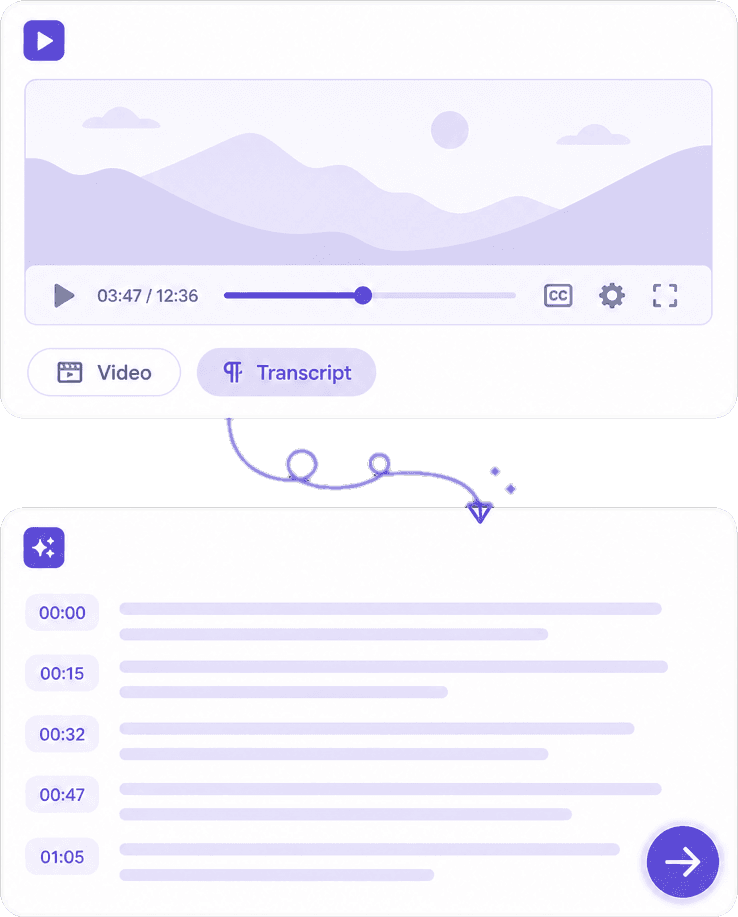
Pull speech from video into editable text with timestamps you can search.
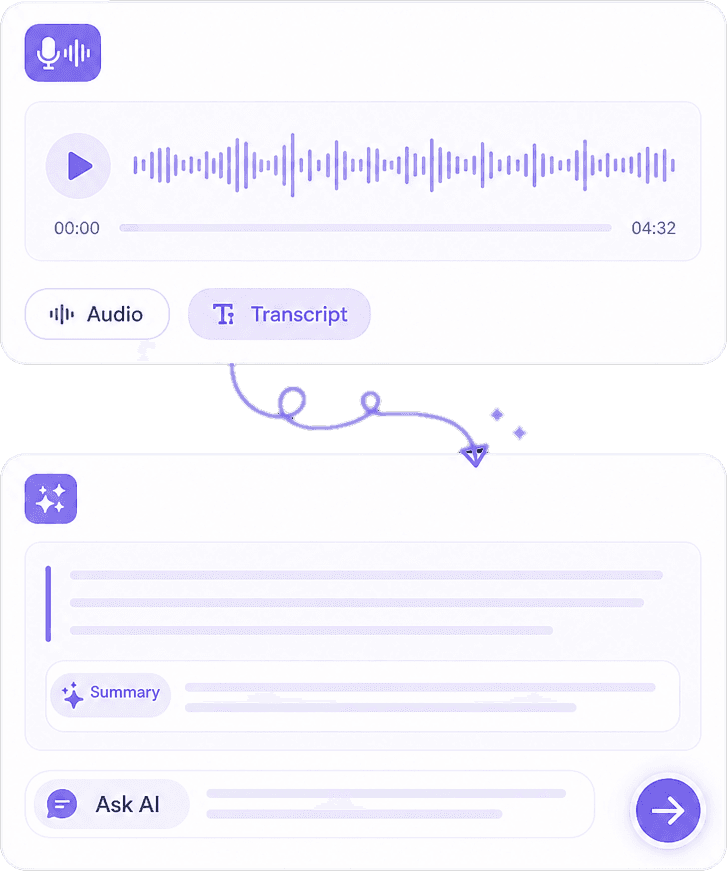
Keep transcripts and audio assets ready for notes, writing, or publishing.
Hear from educators, creators, and teams using Knowant Voice for transcription and natural speech.
“I record lectures and get a transcript I can skim the same afternoon. Huge time saver.”
Annika Palmari
“Text to speech sounds natural enough for course intros and product demos.”
Ryan Hoffman
“Video to text helps me repurpose webinars into blog outlines without rewatching everything.”
Austin Distel
“Speaker-aware transcription makes meeting notes usable instead of one long wall of text.”

Brooke cagle
Start free, then unlock more transcription minutes and voiceover capacity when you need them.
Try speech to text and text to speech with starter limits.
Free
Get started freeMore minutes for meetings, lessons, and voiceovers.
Per user, billed monthly
Upgrade to PlusHighest capacity for teams with frequent recordings.
Per user, billed monthly
Upgrade to ProSpeech to text, text to speech, meeting transcripts, and voiceovers in Knowant Voice.
Voice combines speech to text, text to speech, video to text, and natural voiceovers so audio work stays in one product.
Yes. Upload or record audio and get editable transcripts, including speaker-aware modes that make multi-person calls easier to follow.
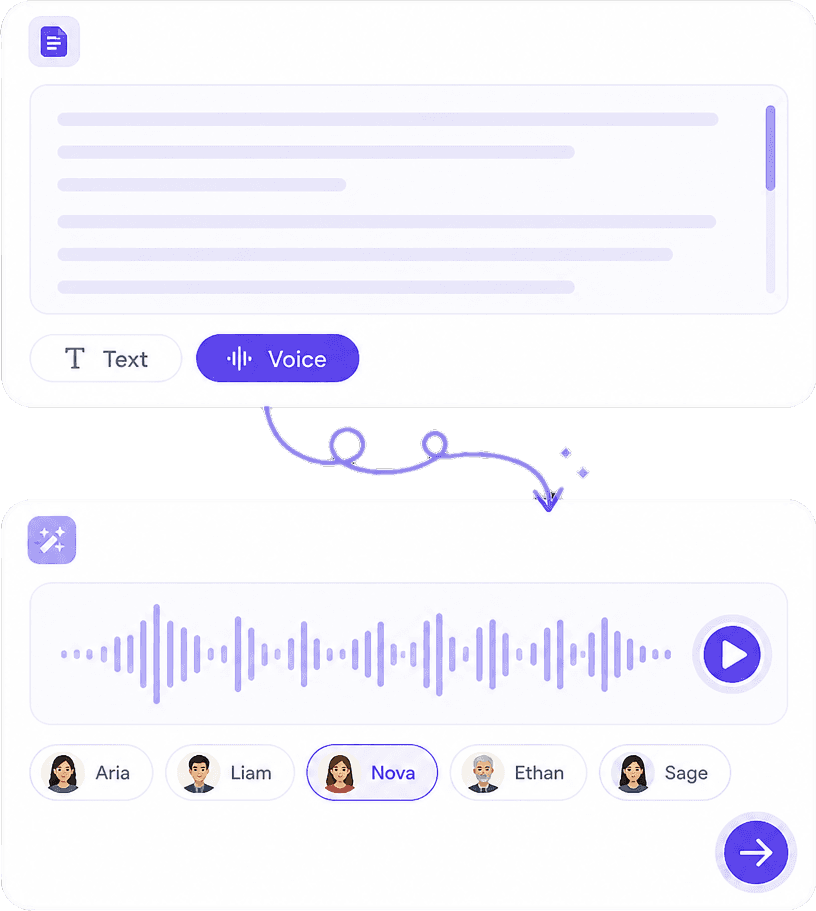
Use it for lessons, demos, accessibility, and narrated explainers — paste text, choose a voice, and generate speech you can reuse.
Yes. Voice can pull speech from video into searchable transcripts you can edit, summarize, or rewrite later.
Yes. Start free with starter limits, then upgrade when you need more transcription minutes or voiceovers.
Voice focuses on transcription and voiceover generation. Notes is built for lecture and meeting capture with summaries, action items, and chat with notes.
Start with Voice free for speech to text, text to speech, and natural voiceovers.