


“This AI Translator helps me understand academic materials in multiple languages while keeping the meaning accurate. It's much better than traditional translators.”
Annika Palmari
International Student
Transcribe meetings, interviews, lectures, podcasts, and video audio into editable text with punctuation, timestamps, and speaker labels where supported. Upload recordings or paste from supported workflows, then review names, numbers, and technical terms before you publish notes, captions, or quotes — free to start on this page, with fuller voice workflows in Knowant Voice.
Write faster with Knowant and get more done in less time.
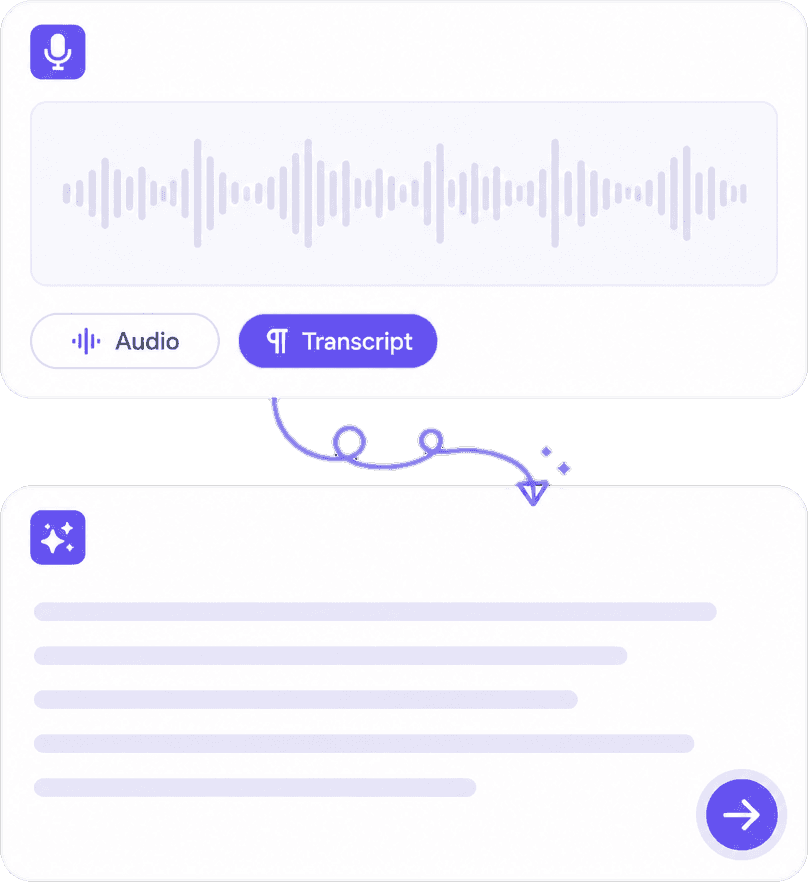
Upload MP3, WAV, M4A, AAC, FLAC, MP4, MOV, and other supported containers when your tool session allows. Podcast episodes, Zoom exports, field interviews, and lecture captures become text you can highlight, quote, and paste into docs. Noisy cafés and heavy music beds increase error rates — prefer direct speech when possible.
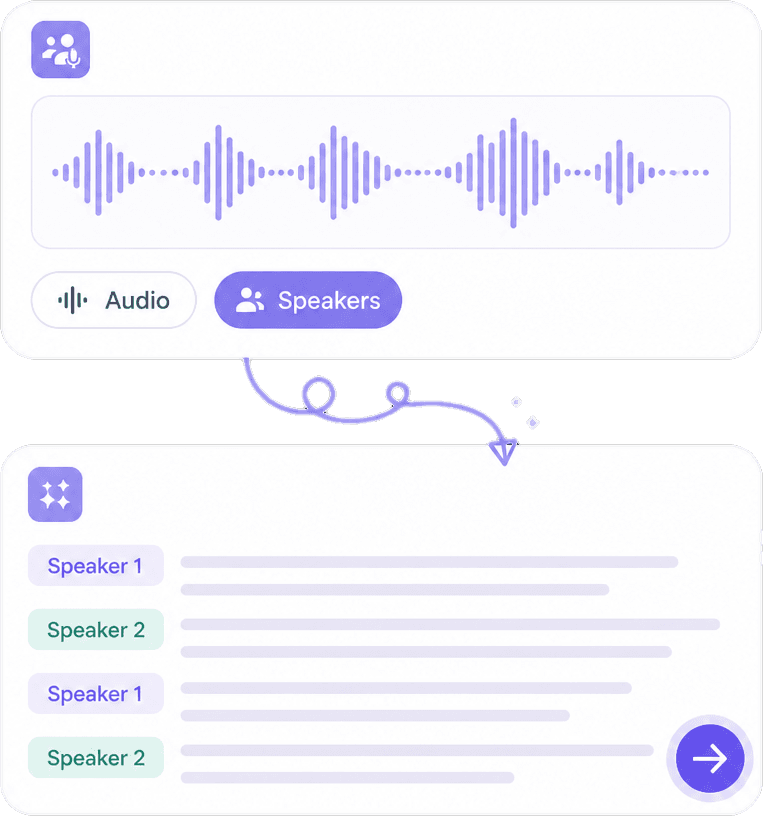
Speaker diarization labels who said what in multi-person recordings, and timestamps let you jump back to verify contentious lines or laughter that context needs. Use labels as hints — confirm speaker identity manually when voices sound similar or when recording quality is poor.
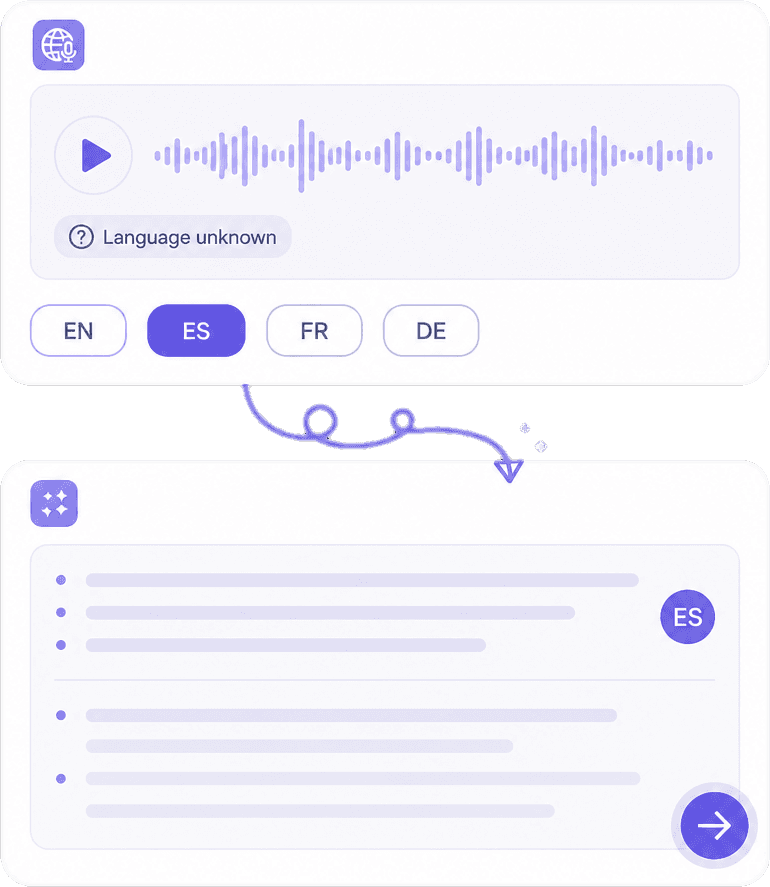
Transcribe in many languages and accents, then translate transcript text for collaborators who read another language. Localization still needs human review for idioms, honorifics, and regulatory phrases. Export to TXT, DOCX, PDF, or caption formats when available for your downstream edit or publish step.
Manual transcription is slow and expensive. AI gets you to a first draft in minutes so you edit instead of type from zero. Pair transcripts with summaries for executives, or export caption formats for video. For integrated listening, dubbing, and voice tools, continue at https://www.knowant.com/product/voice-with-ai.
Get a workable transcript in minutes, then spend time on accuracy — not keystrokes.
Separate speakers in interviews and standups so follow-ups assign to the right owner.
Multiple languages and translation support for distributed calls — verify critical lines in audio.
Move from transcript to subtitles or executive summaries; pair with Knowant Voice for full voice stack.
Upload audio or video, let AI transcribe, then correct and export — three steps that keep you accountable for quoted material.
Choose the clearest mix you have — separate tracks beat a single muddy room mic. Trim long silences only if your workflow recommends it.
Wait for processing, then skim for blank sections or repeated errors. Replay timestamped segments where jargon or names look wrong.
Fix quotes before publication, export in your needed format, and store consent for recorded participants where required. Use Voice at https://www.knowant.com/product/voice-with-ai for related TTS or voice projects.
Teams and creators use Knowant transcription to document conversations faster — with human review before anything official goes out.
“This AI Translator helps me understand academic materials in multiple languages while keeping the meaning accurate. It's much better than traditional translators.”
Annika Palmari
“I use it to generate eye-catching YouTube thumbnails and social media graphics. The image quality is fantastic and saves me a lot of time.”
Ryan Hoffman
“Converting invoices and purchase reports into Excel has become effortless. The table recognition is incredibly accurate.”

Austin Distel
“I use it to generate social media posts and ads. The content is always engaging and relevant to my audience.”

Brooke cagle
File types, speaker detection, languages, accuracy limits, and professional use of AI transcripts.
AI speech to text (automatic speech recognition) converts spoken audio into written text using machine learning models trained on large speech datasets. Modern systems add punctuation, capitalization, and sometimes speaker separation. Output is a draft: you should proofread before using transcripts in legal filings, medical records, graded student work, or published journalism.
Yes, when the video file’s audio track is supported. The tool extracts speech from the soundtrack — visual slides are not described unless you add that separately for accessibility. For screen recordings, ensure the speaker’s voice is audible over system audio if both matter.
Speaker diarization attempts to label different voices in one recording. It works well on distinct speakers in clean audio and struggles when people talk over each other or share similar pitch. Rename labels to real names during editing and note uncertainty when attributing sensitive quotes.
Accuracy depends on audio quality, accent, domain vocabulary, and background noise. Technical webinars, medical terms, and rare names often need manual correction. For compliance or court use, follow your organization’s rules — many require human transcription or certified review on top of AI drafts.
You can transcribe within free limits on this page. Longer files, batch usage, and advanced voice features may require an account or subscription. Explore Knowant Voice at https://www.knowant.com/product/voice-with-ai for integrated speech products beyond one-off transcription.
Many major languages and regional accents are supported, with varying quality. Specify language settings when available instead of relying on auto-detect for mixed-language calls. Translate transcripts for readers, but have fluent reviewers check nuance for customer-facing or legal content.
Export to SRT, VTT, or similar caption formats when the tool offers them, then adjust line breaks and timing in your video editor. Captions for accessibility should meet platform guidelines for readability and sync — AI timestamps are a starting point, not always broadcast-perfect.
Speech to text focuses on turning recordings into written transcripts. Knowant Voice at https://www.knowant.com/product/voice-with-ai covers broader voice AI — text-to-speech, voice-centric creation workflows, and related audio tools. Transcribe here for text; open Voice when your project spans listening, narration, and voice generation together.
 Knowant
Convert speech in recordings into searchable text for notes, articles, accessibility captions, and research. Supported uploads include common audio and video formats; clear audio with minimal overlap produces the cleanest drafts. Edit homophones, product names, and numbers before you cite quotes or attach transcripts to compliance records.