“This AI Translator helps me understand academic materials in multiple languages while keeping the meaning accurate. It's much better than traditional translators.”

Annika Palmari
International Student
Draft professional emails in seconds with Knowant’s free AI Email Generator. Create business updates, client follow-ups, job applications, freelancer outreach, thank-you notes, and support replies — then edit names, dates, and facts before you send.
No email generated yet
Write faster with Knowant and get more done in less time.
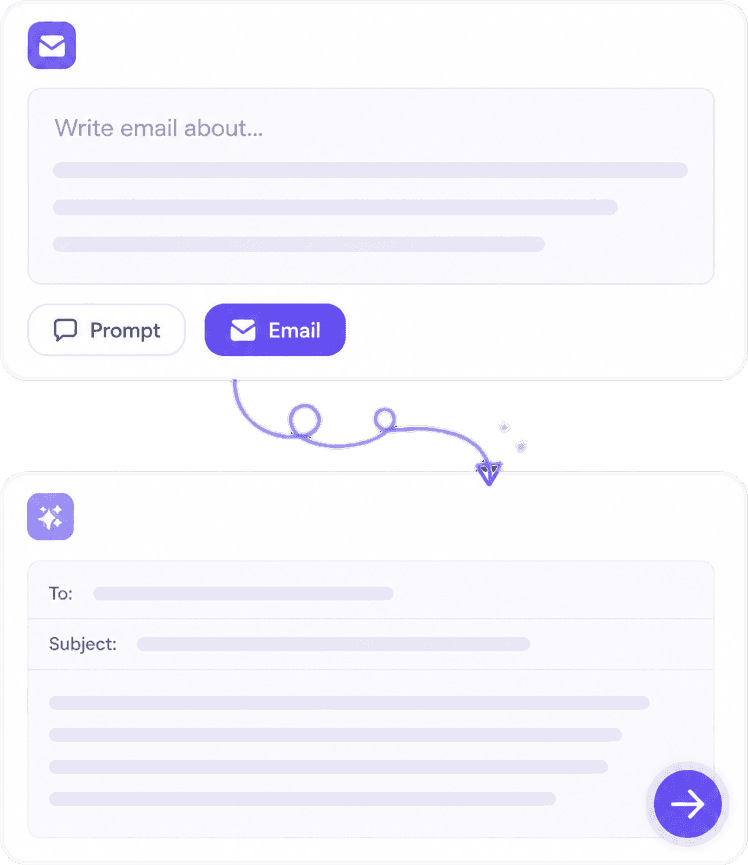
Create messages for work and life: meeting requests, project status updates, cold outreach, referral asks, resignation notices, apology emails, event invitations, and customer support responses. Freelancers can draft scope clarifications and rate discussions; job seekers can outline cover-email text that matches a posting.
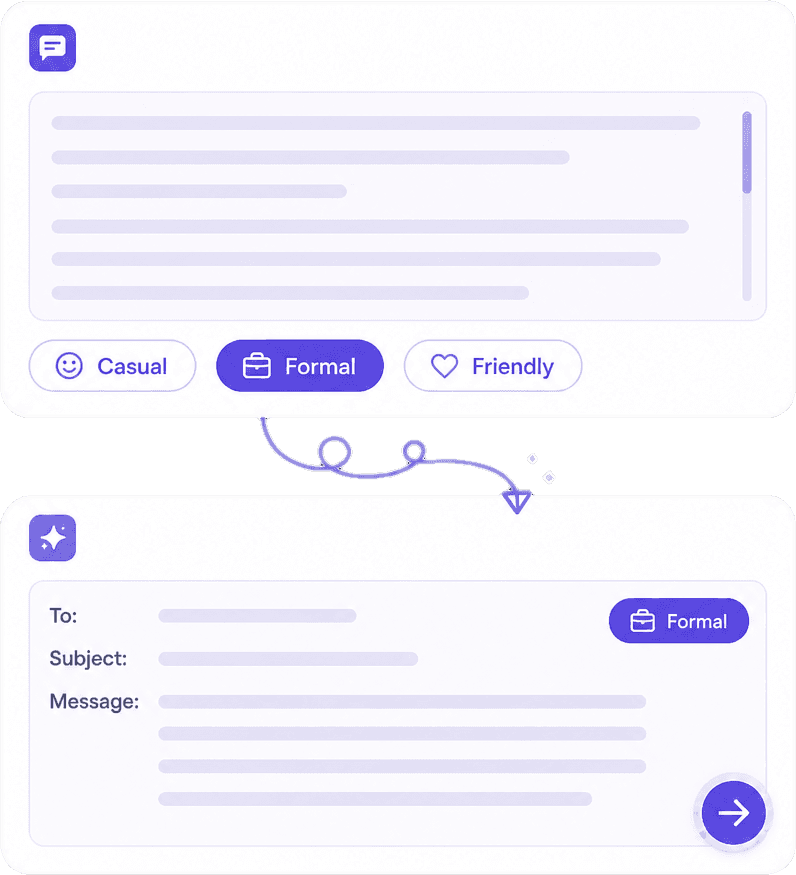
Switch between formal, friendly, persuasive, professional, or casual styles so the same facts read right for a CEO, a hiring manager, or a long-term client. Useful when you know what to say but need the right level of warmth or directness.
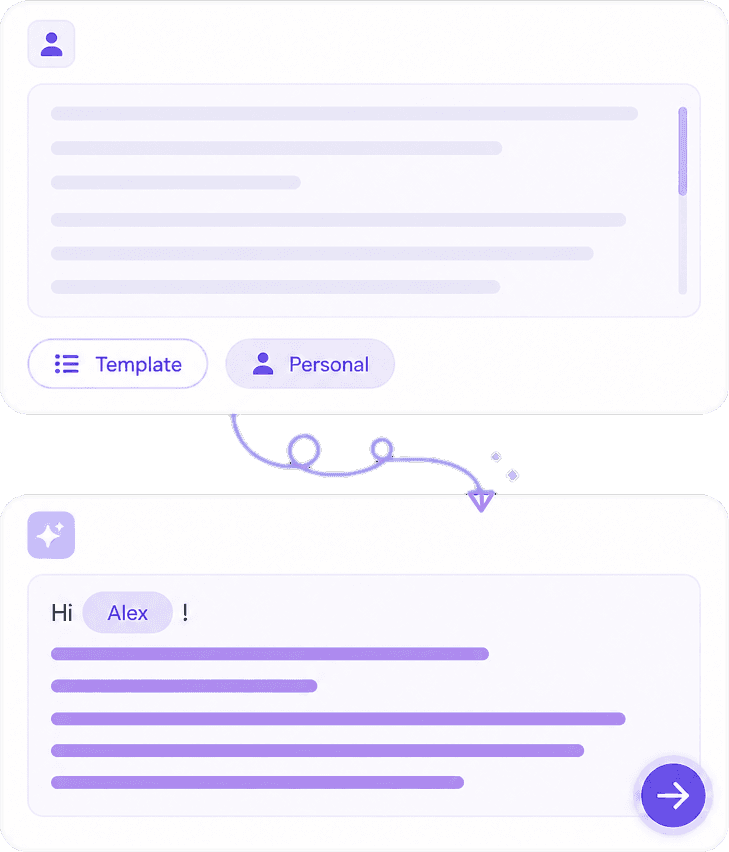
Add recipient role, your goal, and bullet points the AI should include. You get a natural opening, logical flow, and a clear call to action — not generic filler. Edit placeholders, then open Knowant Writer if you want alternate versions or a shorter mobile-friendly reply.
Inboxes move fast. This tool cuts blank-page time, keeps structure consistent across teams, and helps non-native speakers sound natural. You stay in control: review every line, fix specifics, and send only when the details are accurate.
Polished structure for business, education, HR, and everyday communication — subject line plus body ready to paste into Gmail, Outlook, or your CRM.
Turn a few notes into a complete message tailored to purpose, audience, and tone instead of reusing an old template that no longer fits.
Follow-ups after interviews, sales sequences, support macros, thank-you notes, introductions, and gentle nudges when a reply is overdue.
AI drafts are starting points. Confirm dates, pricing, legal claims, and recipient names yourself — then send with confidence.
Describe the situation, pick a tone, generate a draft, and verify facts — three steps from idea to send-ready email.
State who you are writing to, why you are emailing, and any must-include details (deadline, meeting link, invoice number, job title). The more specific your brief, the less editing you do later.
Pick formal for executives or official requests, friendly for teammates, persuasive for sales, or casual for people you know well. Regenerate if the first pass feels too stiff or too casual.
Read the full draft aloud, fix facts and placeholders, add your signature, and copy into your mail client. For rewrites or longer campaigns, continue in Knowant Writer (https://www.knowant.com/product/write-with-ai).
Freelancers, job seekers, sales reps, support teams, and small-business owners use AI email drafts to reply faster without sounding rushed.
“This AI Translator helps me understand academic materials in multiple languages while keeping the meaning accurate. It's much better than traditional translators.”
Annika Palmari
“I use it to generate eye-catching YouTube thumbnails and social media graphics. The image quality is fantastic and saves me a lot of time.”

Ryan Hoffman
“Converting invoices and purchase reports into Excel has become effortless. The table recognition is incredibly accurate.”

Austin Distel
“I use it to generate social media posts and ads. The content is always engaging and relevant to my audience.”

Brooke cagle
How to generate business and personal emails with AI, stay accurate, and when to use Knowant Writer for deeper editing.
An AI Email Generator uses language models to produce email subject lines and body text from your instructions. Knowant’s free tool focuses on professional use cases — follow-ups, applications, client mail — and expects you to verify details before sending.
Yes. Common uses include project updates, meeting scheduling, sales outreach, payment reminders, and post-meeting follow-ups. Describe the prior conversation so the draft references the right context.
It can draft concise cover emails, referral requests, and thank-you notes after interviews. Always personalize with the company name, role, and your real experience — recruiters spot generic AI text quickly.
Use AI to structure proposals, scope changes, and polite chase emails when invoices are due. Keep your rates, deliverables, and contract terms accurate; the generator does not know your agreement unless you paste it in.
You can generate emails on this page for free. Knowant Writer offers additional rewriting, grammar, and tone tools when you need more than a single draft — see https://www.knowant.com/product/write-with-ai.
Every output is editable. Change the opening, shorten paragraphs, swap tone, or merge with your house style. Treat AI suggestions as a first draft, not a final send.
Use AI for structure and clarity, not for legal advice or confidential data you should not paste into any online tool. Remove sensitive identifiers when possible, and have a qualified person review anything contractual or regulatory.
This email generator is optimized for quick, purpose-built messages from a short form. Knowant Writer is a broader writing workspace for rewriting, expanding, checking grammar, and working across formats — useful when one email is part of a larger document or campaign.
 Knowant
Generate business emails, sales outreach, follow-ups, job applications, interview thank-yous, client updates, and freelancer proposals with AI. Paste your context, choose a tone, and get a structured draft you can copy — always double-check names, amounts, deadlines, and attachments before sending.