


“This AI Translator helps me understand academic materials in multiple languages while keeping the meaning accurate. It's much better than traditional translators.”

Annika Palmari
International Student
Count words, characters (with and without spaces), sentences, and paragraphs in seconds. Paste text or upload a document to check essay limits, SEO length, social captions, and client deliverables — free, with no sign-up required.
Write faster with Knowant and get more done in less time.
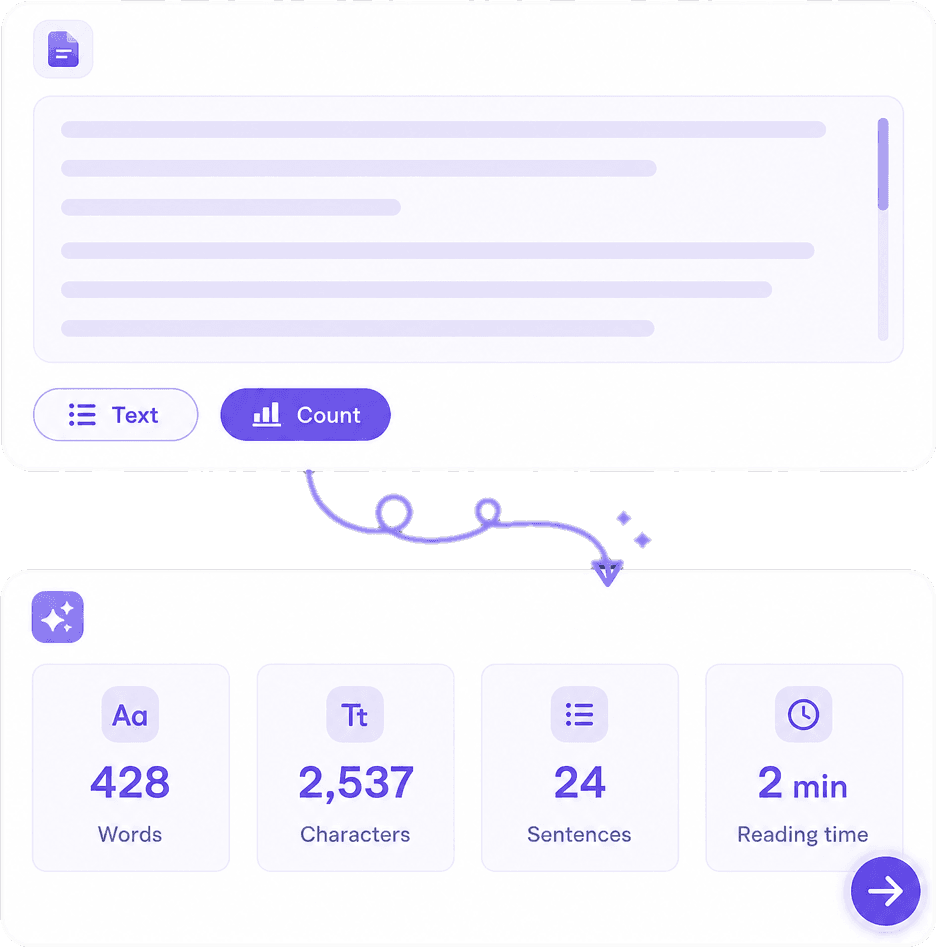
See total words and characters (including or excluding spaces where shown) as soon as you paste. Useful for IELTS and college essays, Amazon/listing limits, meta descriptions, and any brief that caps length by word or character.
Beyond a single number: review how many sentences and paragraphs your draft contains so dense walls of text stand out before you publish. Helps you balance short social copy and longer reports.
Drop text from Google Docs, Word, Notion, or email, or upload a supported document when you do not want to copy-paste. Count the real deliverable you will submit — not a rough outline in another app.
Manual counting wastes time and still misses characters or sentence breaks. This tool updates as you paste or type, works for essays and long reports, and pairs with Knowant Writer when you need to shorten, expand, or polish the draft after you know the count.
Check school essay ranges (e.g. 500–800 words), application short answers, and publisher guidelines without guessing.
Track characters for titles, meta descriptions, tweets, and SMS-style limits where every space counts.
Upload or paste the final file so your count matches what the client or teacher will open.
Three simple steps from blank page to clear limits — paste or upload, review the stats, then edit or share.
Open the word counter editor and paste your essay, blog, email, or caption. Counts update so you can trim while you write.
Upload a supported file when the draft lives in Word or another format. Confirm the count against the version you will actually send.
Compare words and characters to your limit. Copy the text back into your doc, or continue in Knowant Writer to shorten or expand before you recount.
Students, professionals, and creators use Knowant tools to meet limits and ship clearer writing.
“This AI Translator helps me understand academic materials in multiple languages while keeping the meaning accurate. It's much better than traditional translators.”
Annika Palmari
“I use it to generate eye-catching YouTube thumbnails and social media graphics. The image quality is fantastic and saves me a lot of time.”

Ryan Hoffman
“Converting invoices and purchase reports into Excel has become effortless. The table recognition is incredibly accurate.”

Austin Distel
“I use it to generate social media posts and ads. The content is always engaging and relevant to my audience.”

Brooke cagle
Common questions about counting words and characters online for essays, SEO, social posts, and documents.
A free online word counter measures how many words (and usually characters and sentences) are in your text. Knowant’s tool runs in the browser so you can check essay limits, SEO length, and social captions without installing software.
Paste the document text into the editor, or upload a supported file. The page shows word count, character count, and related stats so you can compare against your assignment or client brief.
Character counts are commonly shown with and without spaces depending on the view. Use the display that matches your platform’s rule — for example many SEO title tools count spaces as characters.
Yes. Paste your draft before submitting to confirm you are inside the required range. If you are over, shorten with Knowant’s summarizer or paraphraser; if you are under, add specific examples rather than filler.
You can count words free on this page without signing up. Creating a Knowant account unlocks Writer tools when you need grammar, rewrite, or translation after you know the length.
Words are space-separated units used for essays and articles. Characters include letters, punctuation, and often spaces — used for tweets, meta descriptions, SMS, and form fields with hard caps.
Upload when the file type is supported, or copy the text into the paste box. For scanned PDFs, extract text first (Knowant Document can help), then paste here for an accurate count.
Remove repeated ideas first, then use Knowant Writer’s summarizer or paraphraser to tighten sentences. Recount here before you submit so the final file matches the limit.
 Knowant
Paste your text or upload a file to instantly count words, characters, sentences, and paragraphs. Ideal for school word limits, blog SEO targets, LinkedIn posts, emails, and client proposals. Free to use — no account required to check a count.