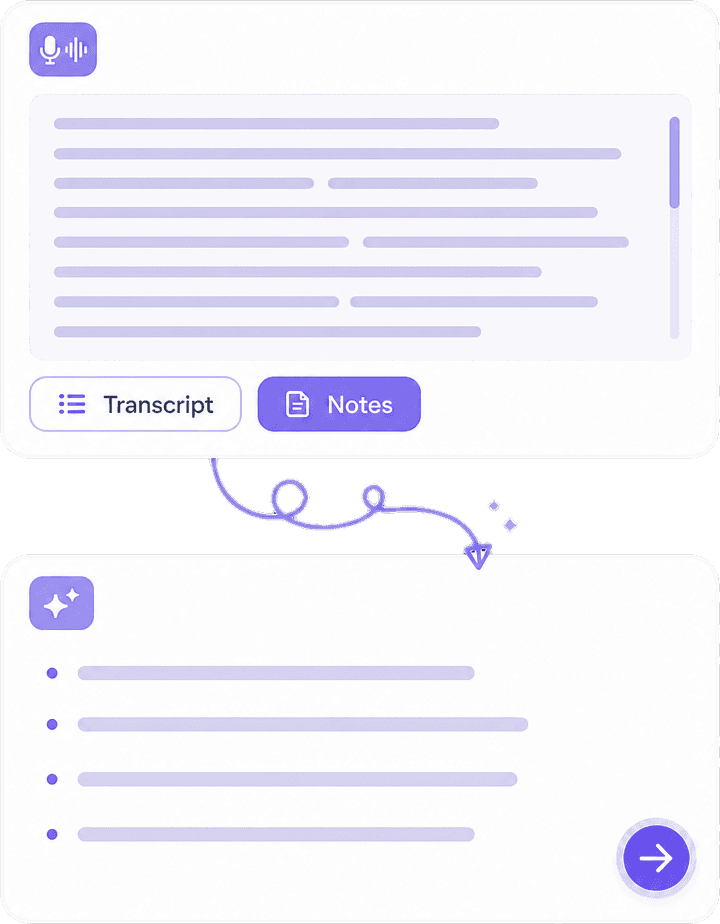
Record, Upload & Voice Memos
Record live, upload Zoom/Meet files or phone voice memos, or connect a meeting bot — then get structured notes without typing along.
Knowant Notes turns meetings, lectures, interviews, and voice memos into transcripts, structured notes, action items, Ask AI answers, and follow-up email drafts so busy professionals and students leave the call with a recap, not a blank page.
Meeting note taker works with
 Google Meet
 Zoom
 Microsoft Teams
 SlackGoogle MeetZoomMicrosoft TeamsSlack
Upload audio, record in-app, or use a meeting bot — then get transcripts, structured notes, tasks, Ask AI, and email summaries in one place.
A recording alone is not a recap. Notes turns lectures, client meetings, interviews, and voice memos into structured notes, action items, Ask AI answers, and follow-up drafts.


 ConnectionBuilt By Knowant
Helping busy professionals and students leave meetings, lectures, interviews, and voice memos with notes they can search, task, and follow up on.
Note jobs
Capture → recap
Summaries, actions, and chat
Built for
Class & calls
Lectures, standups, interviews
Start
Free
Starter recording and summary limits
Lectures, long client calls, research interviews, remote meetings, and voice memos — same pipeline from audio to structured notes and follow-through.
Record class sessions and leave with structured study notes, summaries, and quizzes you can revise from.
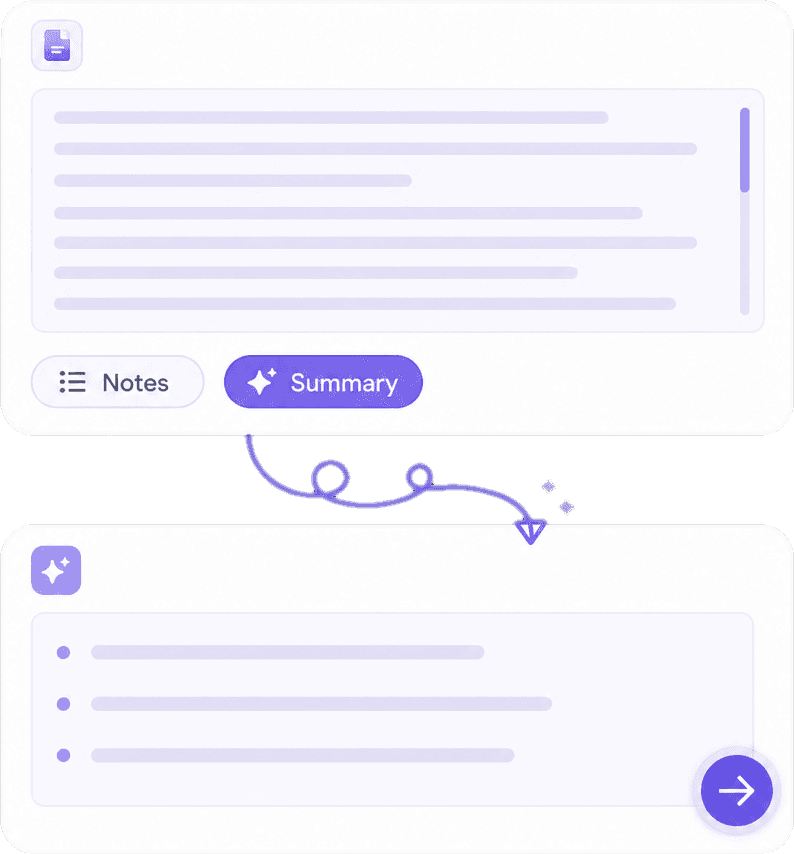
Upload phone voice memos or Zoom/Meet audio and get a transcript plus structured notes without a live bot.
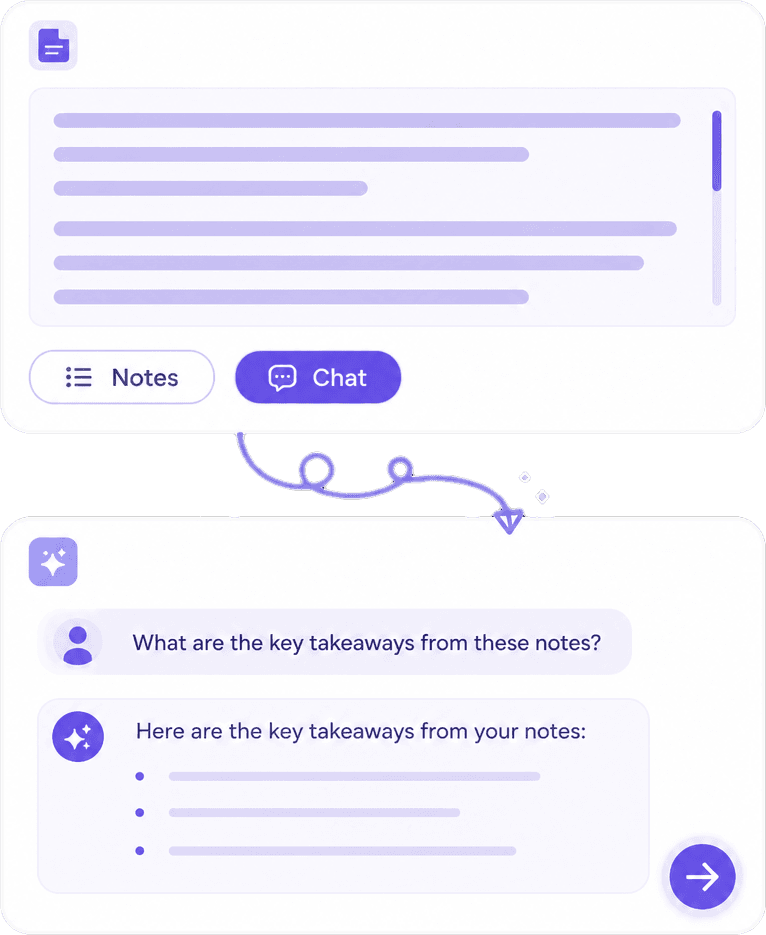
Summarize interviews, pull quotes with Ask AI, and keep themes searchable after the session.
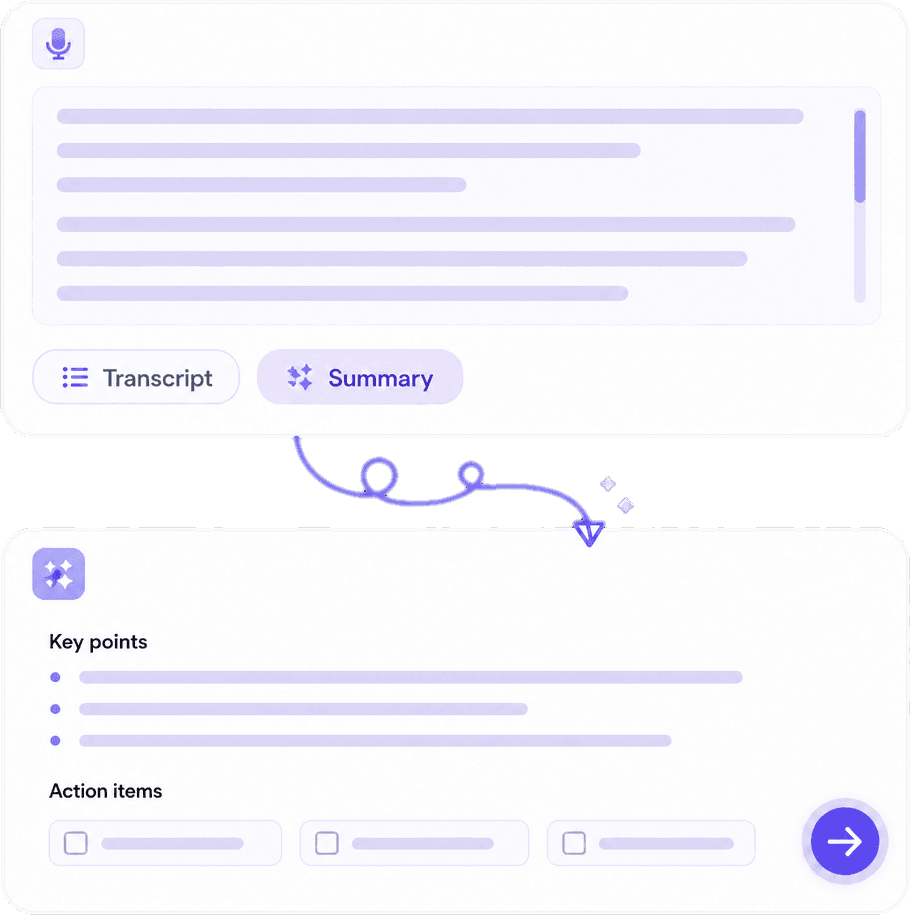
Pull owners, deadlines, and next steps out of meetings and client calls automatically.
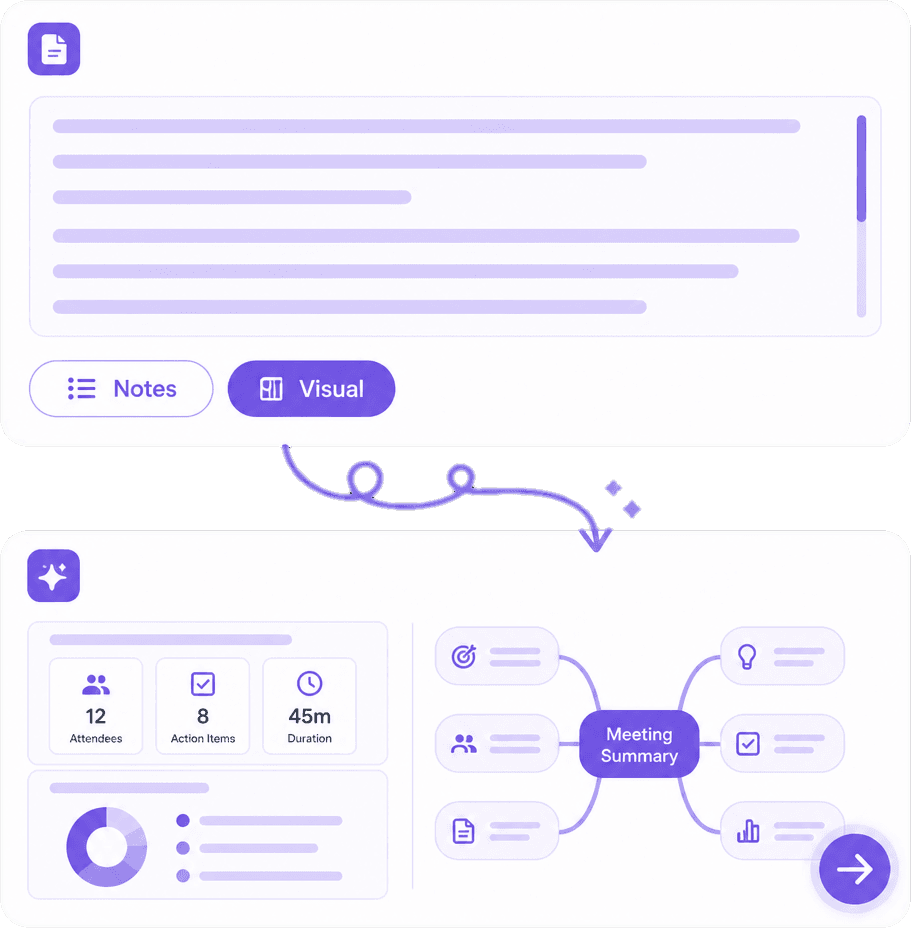
Choose record, upload, or meeting bot / calendar join — so remote teams capture even when bots are blocked.
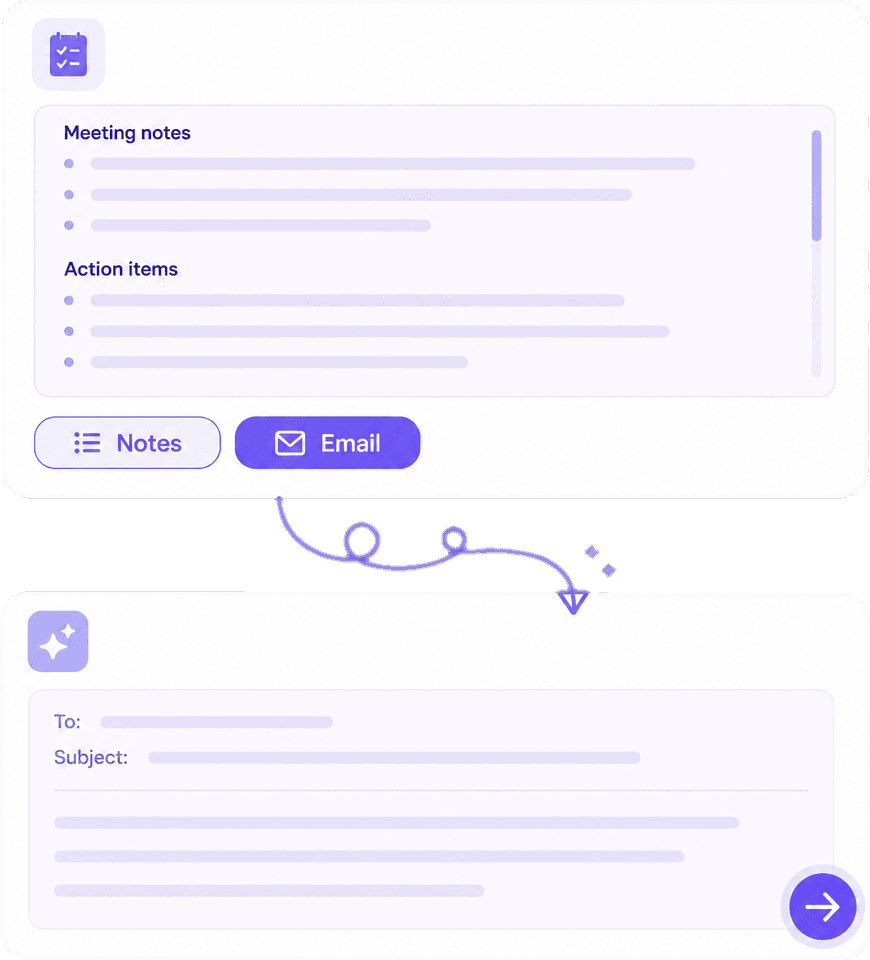
Turn the recap into an email-ready summary so long client meetings do not stall after the call.
Hear from students and busy professionals using Knowant Notes for lectures, client calls, interviews, and follow-ups.
“I stop frantically typing in class. Notes captures the lecture and I review the summary later.”
Annika Palmari
“Action items after standups finally show up automatically. Ask AI finds decisions fast on packed days.”
Ryan Hoffman
“Long client calls turn into clear email-ready recaps I can send the same day without rewriting the meeting.”
Austin Distel
“Interview notes stay searchable. I ask Notes what the candidate said about a topic and get it instantly.”

Brooke cagle
Start free, then unlock more recording and summary capacity for lectures and meetings.
Try Notes with starter recording and summary limits.
Free
Get started freeMore hours for weekly classes and recurring meetings.
Per user, billed monthly
Upgrade to PlusHighest limits for heavy meeting and lecture workloads.
Per user, billed monthly
Upgrade to ProCompare tools, capture Zoom or Meet calls, turn recaps into follow-ups, and use minutes templates with Knowant Notes.
Compare Knowant Notes with Otter, Fireflies, and more for lectures, meetings, and follow-ups.
Read guideHow busy professionals choose meeting notes software — and when a specialist tool fits better.
Read guideCopy-paste templates and an AI workflow from recap to send the same day.
Read guideGo from transcript to structured minutes, decisions, and action items.
Read guideFree layouts for team and client meetings — paste an AI recap when you need a formal format.
Read guideRecord on laptop or phone, then upload to Notes for summaries and follow-ups.
Read guideCapture Meet audio and turn the recording into searchable notes.
Read guidePlan the call first, then let Notes capture outcomes and owners after.
Read guideAnswers for busy professionals and students choosing AI note-taking software — transcription, structured notes, action items, interviews, voice memos, and follow-up drafts.
Knowant Notes is AI note-taking software for meetings, lectures, interviews, and voice memos. Record live, upload audio (including Zoom/Meet files and phone memos), or use a meeting bot when you prefer — then get transcripts, structured summaries, tasks, Ask AI answers, and email-ready follow-ups.
Look for capture that fits your day (record, upload, or bot), automatic structured notes instead of a raw transcript dump, action items with owners, and a same-day follow-up draft. Knowant Notes is built for that workflow so calendar-heavy professionals are not rewriting the meeting from scratch.
Knowant Notes runs Meeting Input → Transcription → AI Analysis → structured outputs: summary, decisions, tasks, mind maps, and more — not just a transcript file. You review and edit; you do not start from a blank minutes page.
Notes extracts actionable tasks from the conversation (who does what, and due context when it was said), then keeps them with the meeting record so follow-through is visible after the call.
Compare whether the tool only dumps a transcript or also drafts an email summary with overview, decisions, and action items. Knowant Notes generates an email-ready summary you can send the same day — see the Guides section on this page for the follow-up email walkthrough.
Upload or record the interview, then use the AI summary plus Ask AI for quotes, themes, and next steps without scrubbing the whole recording. Notes works for research, hiring, and client discovery interviews — not only team standups.
Knowant Notes supports audio upload: drop a phone voice memo or any meeting recording, get a transcript and structured notes, then ask questions or pull tasks. You do not need a live meeting bot for memo capture.
Pick tools that support upload when bots are blocked, respect recording consent, work without forcing you to type during the call, and produce a searchable recap plus follow-up. Notes is capture-first (record, upload, or optional meeting bot / calendar join) so remote teams can choose the method that fits each call.
Long client sessions need a concise summary, decisions, and tasks — not a wall of transcript. Notes condenses long recordings into structured notes and an email summary you can share with the client or internal stakeholders the same day.
Knowant Notes is built for lectures as well as meetings: record or upload class audio, get study-ready summaries and notes, generate quizzes when helpful, and Ask AI later instead of replaying the full recording.
Use transcription that leads to structured notes. Knowant Notes produces accurate transcripts (with related subtitles where available) and automatically builds summaries, tasks, and Ask AI on top — so transcription is the start of the recap, not the finished deliverable.
Yes. Notes can generate an email-ready summary with overview, key points, decisions, and action items so owners and next steps stay clear after the call.
Yes. Blank minute templates still help if your org requires a fixed layout — but Notes drafts the summary, decisions, and action items from a recording so you are not typing every line. Paste the AI recap into a template when you need the formal format.
Not necessarily. You can record in-app, upload audio you are allowed to keep, or connect a meeting bot / Google Calendar when you want automatic join. Always follow your school or company recording rules.
Yes. Start free with starter recording and summary limits, then upgrade when you need more hours or richer follow-up capacity.
Start free: upload voice memos or recordings, get structured notes, action items, Ask AI, and follow-up drafts.