“This AI Translator helps me understand academic materials in multiple languages while keeping the meaning accurate. It's much better than traditional translators.”

Annika Palmari
International Student
Turn lecture notes, textbook excerpts, articles, and training docs into practice quizzes in seconds — multiple choice, true/false, fill-in-the-blank, and short-answer style prompts. Teachers build formative checks; students self-test before exams; teams verify onboarding material. Review every question against your source, fix anything off-topic, then study from the quiz instead of treating generated keys as hidden exam answers.
No quiz generated yet
Write faster with Knowant and get more done in less time.
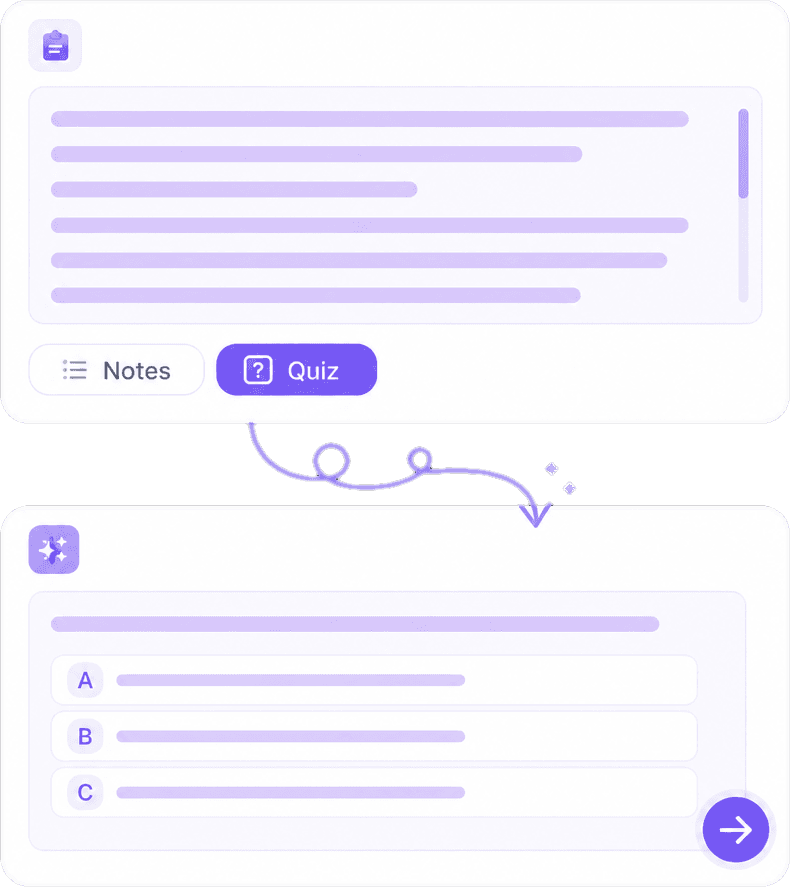
The generator reads the material you provide — a syllabus section, safety manual, or history reading — and drafts questions anchored in that text. Longer, structured sources produce better quizzes than a single vague paragraph. For scanned PDFs, paste extracted text first so questions reflect readable content.
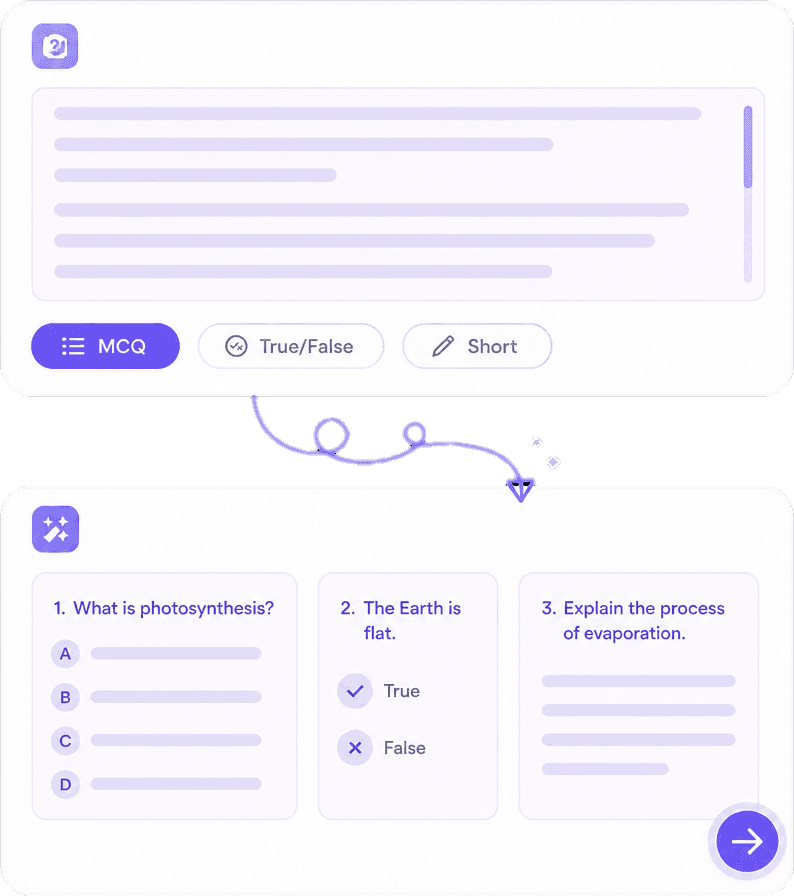
Mix multiple choice with plausible distractors, true/false for quick checks, fill-in-the-blank for vocabulary, and short-answer prompts that push learners to recall in their own words. Vary formats in one quiz to mirror how real exams combine recognition and explanation.
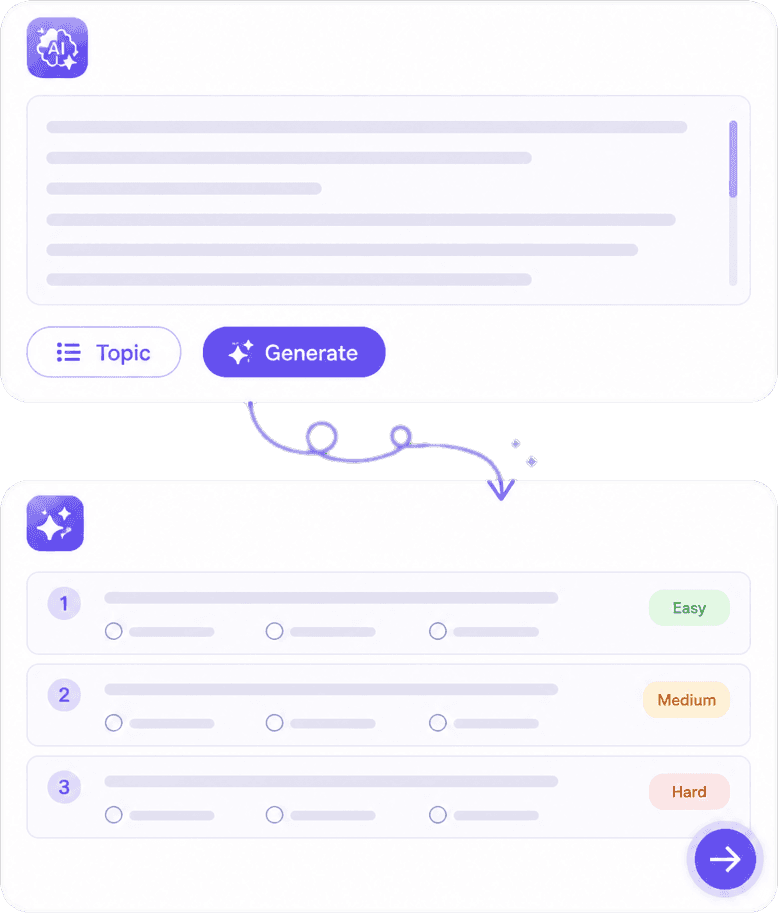
AI suggests coverage across the passage — main ideas, details, and “why” questions — but it can misread nuance or invent options that sound right. Treat output as a first draft: delete bad items, fix terminology to match your slides, and align difficulty with your audience before you share.
Writing twenty quality questions by hand takes hours; reviewing AI output takes minutes. The win is retrieval practice — students who explain wrong answers learn more than those who memorize a key. Pair quizzes with Knowant Tutor at https://www.knowant.com/product/learn-with-ai for spaced repetition and guided review after you see weak spots.
Quizzing strengthens memory more than rereading — use AI drafts to start, then improve questions over time.
MCQs, true/false, blanks, and short answer for classrooms, LMS imports, and team certifications.
Low-stakes checks reveal misconceptions before high-stakes exams — not a substitute for original exam design.
Follow missed topics with guided practice at https://www.knowant.com/product/learn-with-ai.
Bring your source text, set quiz options, then edit and deploy — three steps that keep you in charge of accuracy and fairness.
Add the chapter, policy, or lesson text you want assessed. Include headings and key terms from your teaching so questions stay on scope.
Pick question count, types, and difficulty. Start smaller for a warm-up; increase length for comprehensive review sessions.
Fix errors, remove trick questions, and publish for practice. Students should cite their notes and textbooks when explaining answers in writing assignments.
Instructors, L&D teams, and students use Knowant to create practice assessments quickly — then refine them like any other teaching material.
“This AI Translator helps me understand academic materials in multiple languages while keeping the meaning accurate. It's much better than traditional translators.”
Annika Palmari
“I use it to generate eye-catching YouTube thumbnails and social media graphics. The image quality is fantastic and saves me a lot of time.”

Ryan Hoffman
“Converting invoices and purchase reports into Excel has become effortless. The table recognition is incredibly accurate.”

Austin Distel
“I use it to generate social media posts and ads. The content is always engaging and relevant to my audience.”

Brooke cagle
Question types, classroom use, student self-study, and how to avoid misusing quizzes on graded exams.
An AI quiz generator automatically drafts quiz questions from text you supply — notes, articles, training docs, and similar sources. It speeds up creation of practice assessments so educators and learners spend time teaching and studying, not typing distractors. Knowant’s tool is designed for formative learning and self-test; you should always review questions for accuracy, bias, and alignment with your curriculum before use in high-stakes settings.
You can generate multiple choice questions with several options, true or false statements, fill-in-the-blank items for terms and dates, and short-answer prompts that ask learners to explain a concept. Combining types in one quiz mimics real tests and helps surface whether someone only recognizes keywords or can apply ideas. Edit wording so distractors are fair and keyed to your source material.
Yes, for practice, homework review, and exit tickets when you verify each item. Tell students when AI assisted question writing if your district requires transparency. Do not upload confidential student data or copyrighted book chapters you are not licensed to reproduce. For summative exams, write or heavily adapt questions so they measure your learning objectives directly.
Self-testing from your own notes is a legitimate study strategy and is not the same as obtaining exam questions in advance. Cheating involves violating rules — using unauthorized materials on graded tests, sharing live exam items, or submitting work that is not yours. Use generated quizzes to find weak areas, then restudy the source and attempt explanations without looking at the key.
You can create quizzes on this page within free limits without a paid plan. Accounts may offer higher daily generation caps and related learning tools. For ongoing adaptive practice after a quiz, explore Knowant Tutor at https://www.knowant.com/product/learn-with-ai.
Paste text extracted from PDFs or slide decks for best results. Scanned pages need OCR first; otherwise questions may miss content. Keep uploads within copyright and privacy rules — your own notes and licensed materials you may use for teaching are appropriate sources.
Provide complete sections with definitions and examples, specify learning objectives in your prompt when possible, and manually remove questions that are too easy, ambiguous, or not in the text. Swap distractors that are obviously wrong for plausible alternatives. Pilot the quiz with a colleague or small group before wide release.
The quiz generator produces a static set of questions from a document — ideal for quick reviews and printable study sheets. Knowant Tutor at https://www.knowant.com/product/learn-with-ai supports conversational coaching, follow-up on mistakes, and broader practice across a subject. Generate a quiz here to diagnose gaps; use Tutor to work through those gaps with guided exercises.
 Knowant
Create quizzes from notes, PDF text, articles, and documentation using AI. Choose question types and difficulty, then edit distractors and wording so the assessment matches what you actually taught. Students: use generated quizzes to study and identify gaps — do not assume the same questions will appear on a proctored test, and follow honor code rules about sharing answer keys.