Real-Time Voice Typing
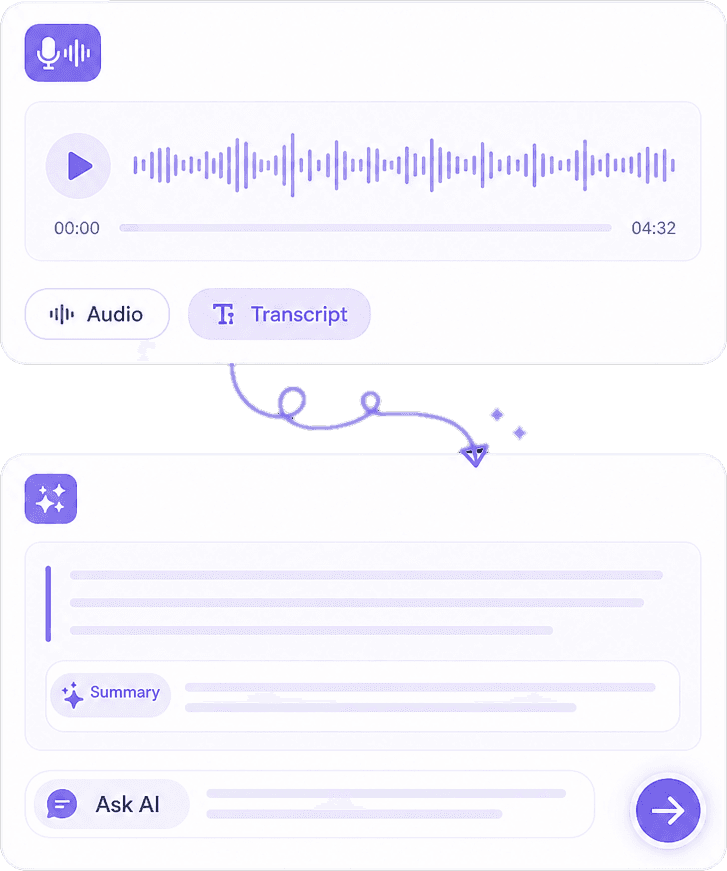
Speak and see text appear as you dictate into the focused field.
DictAnt is a Chrome extension for real-time voice typing in Gmail, Docs, ChatGPT, and thousands of other sitesthen optional AI rewrite with your KnowAnt brand voice.
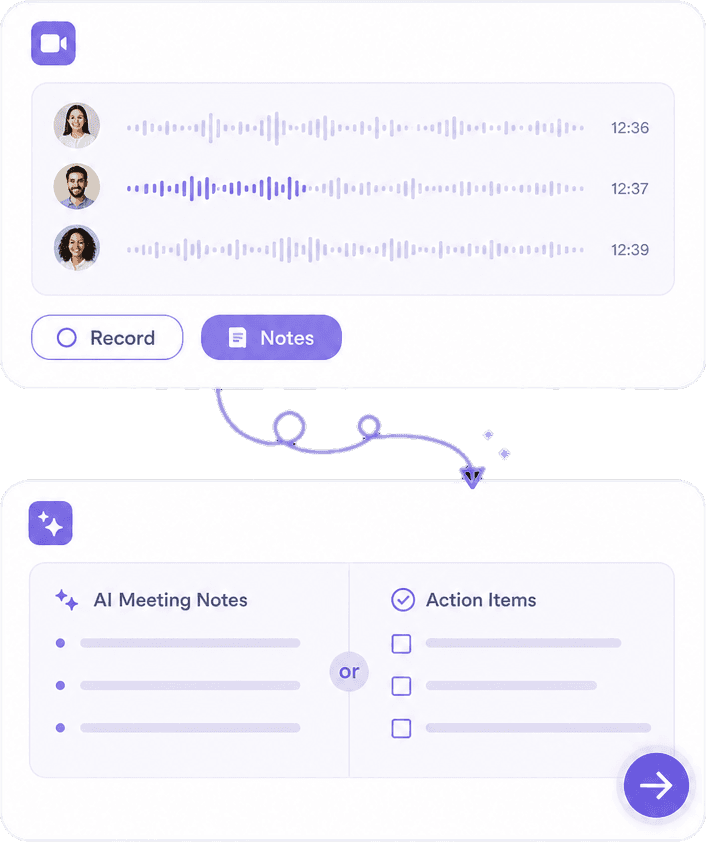
Built for the browser tab you’re in—not a separate notes app. Speak, land text in the field, then optionally rewrite with AI and brand voice.
Voice typing where you work—plus AI polish and brand voice when you want them.


 Type EverywhereBuilt By Knowant
Professionals use DictAnt to draft faster in the tools they already open every day.
Languages
50+
Input and output options
Where It Works
Web fields
Email, docs, AI chats, and CRMs
Start
Free
Core voice typing included
One Chrome extension for the writing you already do in the browser.
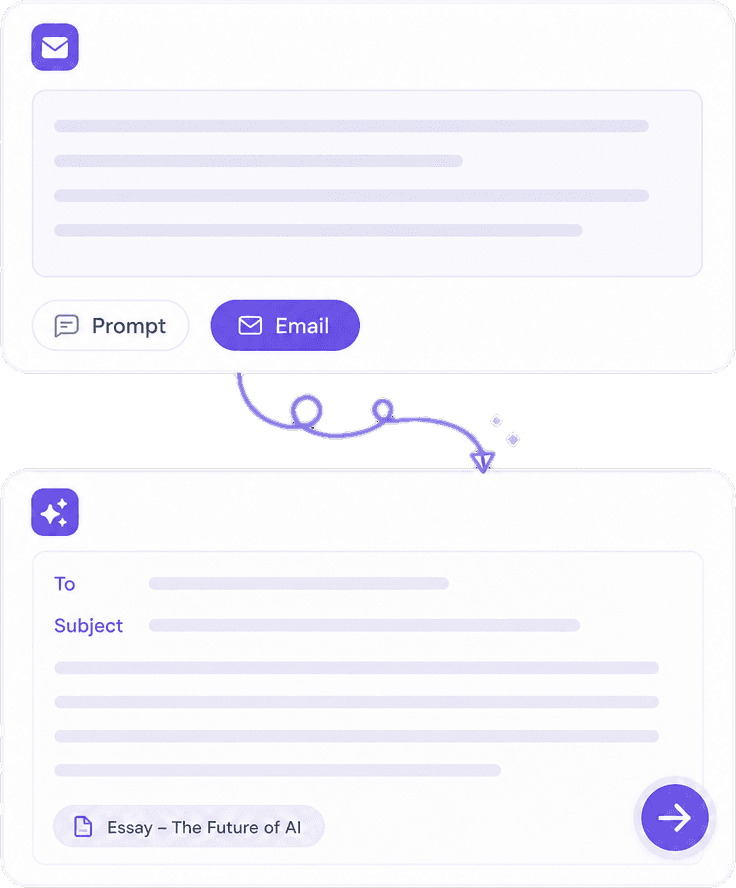
Compose Gmail and Outlook web messages without typing every line.
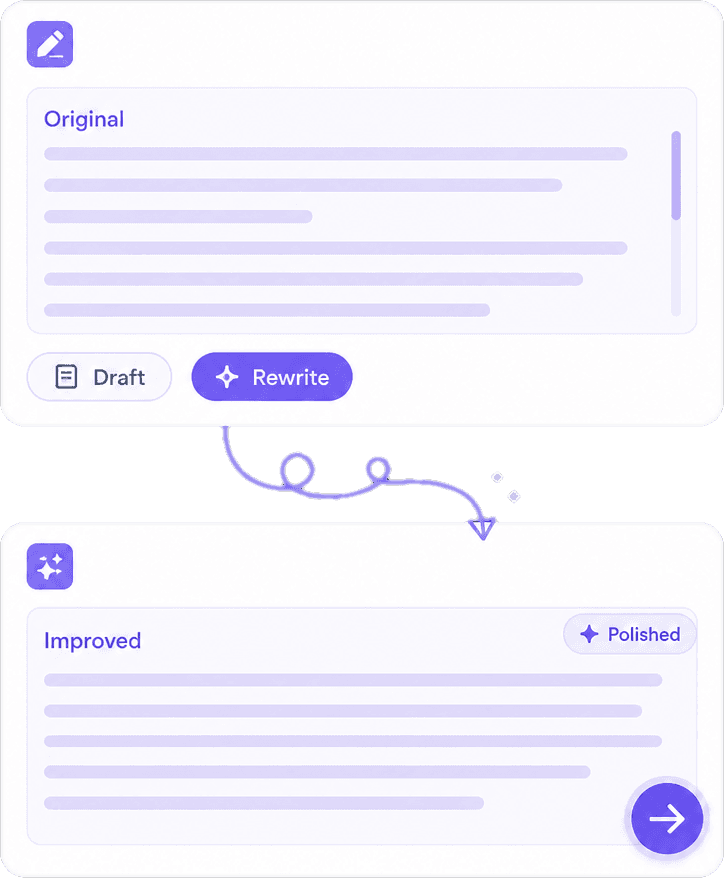
Speak into Google Docs and other editors while you stay in flow.
Dictate longer ChatGPT and assistant prompts, then polish clarity.
Enter notes and customer replies in browser-based CRM and support tools.
Hear how teams draft faster with Chrome voice typing, AI rewrite, and brand voice.
“I dictate replies in our web helpdesk and let AI clean punctuation before send.”
Annika Palmari
“Ctrl + Space in Gmail and Docs is the habit that stuck—brand voice keeps tone consistent.”
Ryan Hoffman
“I speak essay drafts into Docs in my language, then switch output when I need English.”
Austin Distel
“Inline mics next to fields mean I don’t hunt for the extension every time I need to speak.”

Brooke cagle
Free covers everyday voice typing. Plus unlocks site controls, cloud history, and higher polish limits.
Core Chrome voice typing to get started fast.
Free forever to start
Get started freeSite controls, cloud history, and higher AI rewrite and brand-voice limits.
Per user, billed monthly
Upgrade to PlusHow DictAnt voice typing works in Chrome, languages, privacy, and when Plus is worth it.
DictAnt by KnowAnt is a Chrome extension that turns your speech into text in almost any web text field — then can optionally rewrite that text with AI and your KnowAnt brand voice.
DictAnt is built for Chrome websites. Unlike many speech-to-text-only extensions, it can AI-polish transcripts and apply KnowAnt brand voice. It focuses on the browser tab you’re in, not a separate notes app or every desktop application.
Anywhere in Chrome with an editable field — Gmail, Google Docs, ChatGPT, messaging, CRM, support software, and many other web apps.
Place the cursor in a text field, then press Ctrl + Space (⌘ + Space on Mac), click an inline mic, or open the DictAnt side panel from the toolbar. Speak, then stop when finished.
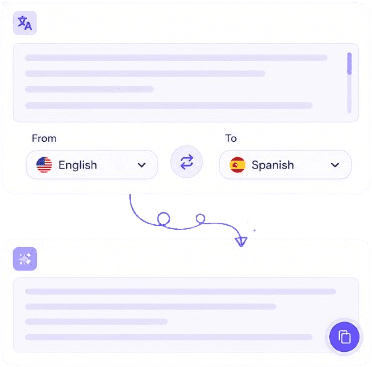
DictAnt supports 50+ languages and many regional variants. Choose input (what you speak) and output (rewrite language) in the side panel.
Listening starts only when you begin voice typing. Speech recognition runs through the browser’s speech APIs. You control AI rewrite and whether dictations are saved to account history. Sign-in is required for AI polish and brand voice.
Yes. Free includes core voice typing and languages. Plus adds site disable lists, cloud history, and higher polish limits.
No. Use your computer’s built-in or external microphone and a current Chrome browser with internet access.
Yes. You can disable DictAnt globally or (on Plus) block specific sites from the side panel.
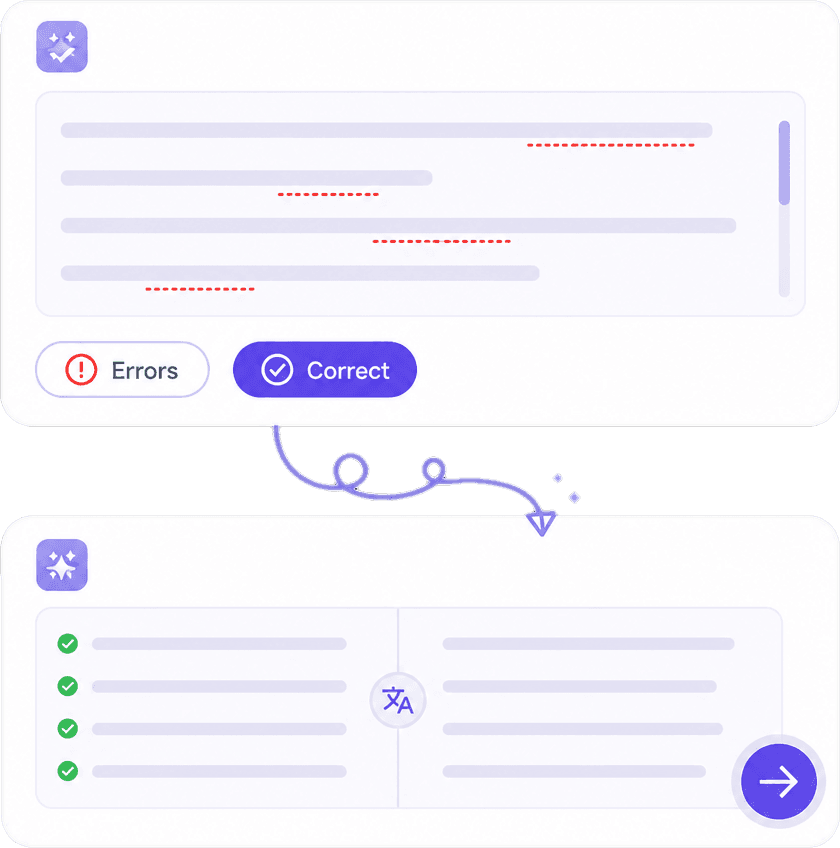
After you stop, DictAnt can send the transcript to KnowAnt for polish when rewrite is enabled. Brand voice uses your KnowAnt brand-voice settings so wording stays consistent across emails and messages.
Add DictAnt to Chrome and voice-type into the sites you already use—then polish with AI and brand voice when you want.