“This AI Translator helps me understand academic materials in multiple languages while keeping the meaning accurate. It's much better than traditional translators.”
Annika Palmari
International Student
Draft YouTube thumbnails from text with Knowant’s free AI thumbnail generator. Describe your video topic, energy, and colors to explore cover ideas before you commit in Photoshop or Canva — thumbnails still need your title, brand, and honest representation of the content to perform well.
No thumbnail generated yet
Record conversations, generate summaries and action items, then send follow-ups without rewriting the meeting.
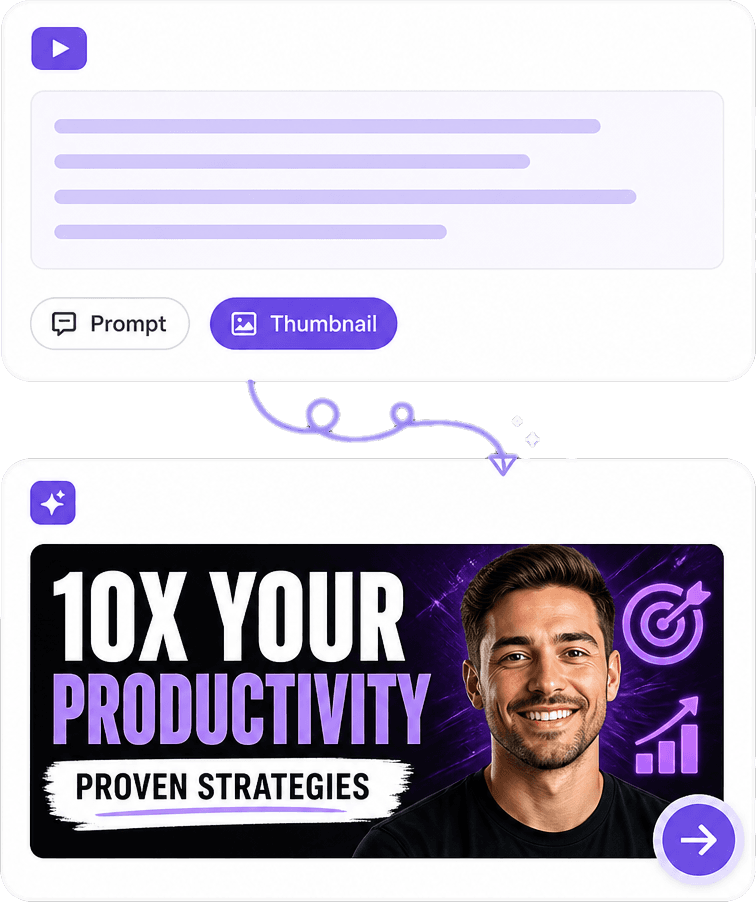
Include niche, subject, expression or action, palette, and background mood in your prompt. “Tech review, phone on desk, cool blue light, clean minimal” beats “cool thumbnail.” Generate multiple options when you test different focal objects before you add channel typography.

Gaming, education, finance, cooking, and commentary channels share the same constraint: the image must read on mobile. Prompt for one hero element and high contrast edges. Niche-specific props (controller, chart, ingredients) help viewers recognize content type at a glance in subscription feeds.
AI can suggest dramatic lighting and composition; it cannot replace your analytics. Use Studio tests to compare variants. Avoid promising viral CTR — focus on clarity, curiosity aligned with the video, and consistency so subscribers spot your uploads quickly.
Creators burn time hunting stock or rebuilding the same layout weekly. Prompt-based drafts unblock ideation for gaming, tutorials, podcasts, and vlogs. When you want matching backgrounds, cutouts, or batch variants, Knowant Creator keeps image tools in one workflow at https://www.knowant.com/product/create-with-ai.
Rapid concept boards when you are deciding what to shoot or edit.
Compose for small previews: fewer elements, stronger contrast, clear focal point.
Long-form covers, podcast video uploads, and stream highlight clips — adjust prompt for each.
Download and finish with your text, logo, and face cutouts in the editor you already use.
Describe the video and visual style, generate at YouTube-friendly proportions, download, then overlay text and faces you have rights to use — three steps from idea to upload-ready art.
State the topic, tone (serious, playful, urgent), and key visual. Mention 16:9 thumbnail framing if the tool asks for aspect ratio.
Pick cinematic, cartoon, minimalist, or high-saturation looks to match your channel. Align with past uploads if brand recognition matters more than one-off novelty.
Download the best base image, add title text and any licensed photo of yourself, export at YouTube’s recommended size, and upload with your video or via the thumbnail picker in Studio.
Video makers describe using AI thumbnails to mock up directions before filming or to fill gaps when a shoot did not yield a strong still.
“This AI Translator helps me understand academic materials in multiple languages while keeping the meaning accurate. It's much better than traditional translators.”
Annika Palmari
“I use it to generate eye-catching YouTube thumbnails and social media graphics. The image quality is fantastic and saves me a lot of time.”

Ryan Hoffman
“Converting invoices and purchase reports into Excel has become effortless. The table recognition is incredibly accurate.”

Austin Distel
“I use it to generate social media posts and ads. The content is always engaging and relevant to my audience.”

Brooke cagle
YouTube size guidelines, CTR myths, text and face best practices, niches, and how AI thumbnails fit with your existing editing stack.
An AI YouTube thumbnail generator creates still cover images from text descriptions using image models tuned for bold compositions. Knowant’s free tool helps you explore ideas quickly. Final thumbnails should include your title text, comply with YouTube policies, and accurately reflect the video.
YouTube’s recommended upload is 1280×720 pixels, minimum width 640 pixels, aspect ratio 16:9, under the platform’s file size limit (commonly 2 MB for standard uploads). Generate or export at that ratio so faces and text are not cropped oddly in search and home feeds.
You can generate thumbnails on this page without payment within current free limits. Resolution caps or daily generation counts may apply. Sign in or upgrade if you need more volume; Creator bundles related image features for channels publishing frequently.
No tool can guarantee higher click-through rate. Thumbnails work together with title, topic demand, and audience trust. Use clear visuals, avoid clickbait that spikes clicks but hurts watch time, and test variants in YouTube Studio when you have enough impressions to compare.
Yes — gaming, tutorials, reviews, podcasts, live streams, and Shorts-related promos all start from prompts describing niche cues. Sports and news niches should respect likeness and trademark rules; do not generate unauthorized celebrity or team logos without rights.
Most successful channels use short, large text (often three to five words) layered in an editor. AI may render gibberish letters inside the image; add real typography yourself for readability. Keep contrast high and avoid clutter that disappears on phones.
A common workflow is generating a background or scene here, then compositing your photo and logo in Canva, Photoshop, or Knowant Creator. Use only photos and marks you own or license. Background remover on Knowant can help isolate you from a studio shot for cleaner overlays.
Designers bring strategy, consistency, and human faces your audience knows. AI helps when budget or time is limited, or for early ideation. Many channels blend both: AI drafts, designer or template system for weekly uploads. Explore Creator at https://www.knowant.com/product/create-with-ai for integrated image generation and edits.
 Knowant
Prompt for gaming hype, tutorial clarity, podcast episodes, or travel vlogs and get 1280×720-style cover art to refine. YouTube recommends bold, readable designs — plan to add your video title in a legible font layer and avoid misleading imagery that hurts retention and trust.