“This AI Translator helps me understand academic materials in multiple languages while keeping the meaning accurate. It's much better than traditional translators.”

Annika Palmari
International Student
Listen to articles, study notes, PDFs, and web pages with natural AI voices — adjust speed and language for commuting, accessibility, language learning, and proofreading by ear. Paste text or upload supported documents, generate audio, then download for offline listening. Free to try here; scale voice projects in Knowant Voice when you need broader voice tooling.
No speech generated yet
Write faster with Knowant and get more done in less time.
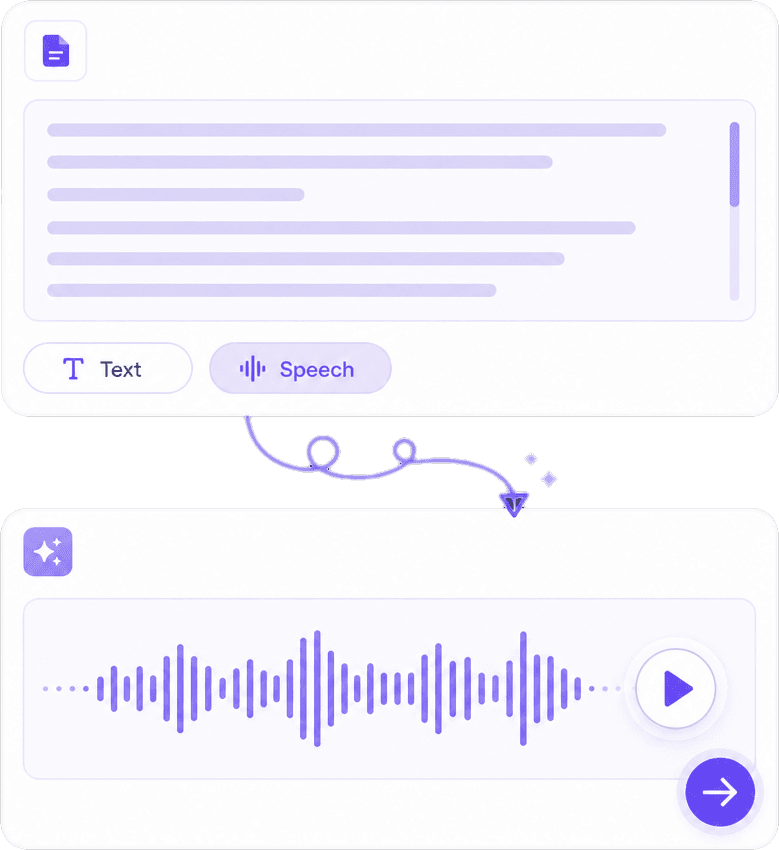
Paste emails, scripts, or markdown-free copy and hear it with adjustable speed and pitch where settings exist. Listening helps catch repeated words and run-on sentences during revision. For public-facing audiobooks or ads, review brand and talent guidelines — some uses require disclosed synthetic voice or professional narration.
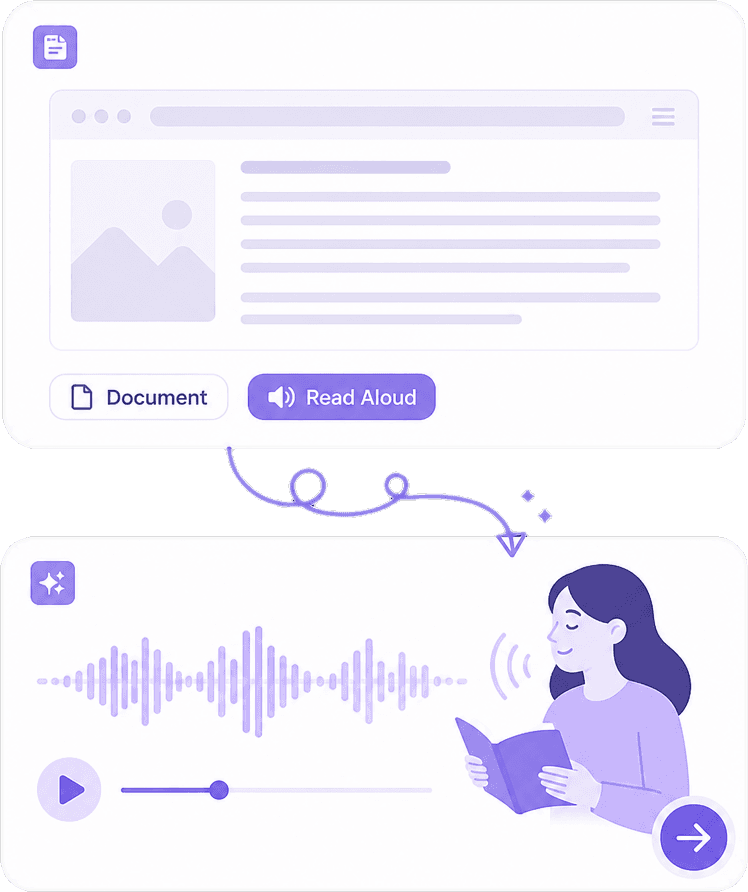
Upload PDFs, Word files, TXT, and other supported formats, or pull readable text from articles and blog URLs when the feature is available. Complex layouts may need cleanup before synthesis — headers, footnotes, and tables sometimes read out of order unless you paste the linear text you want spoken.
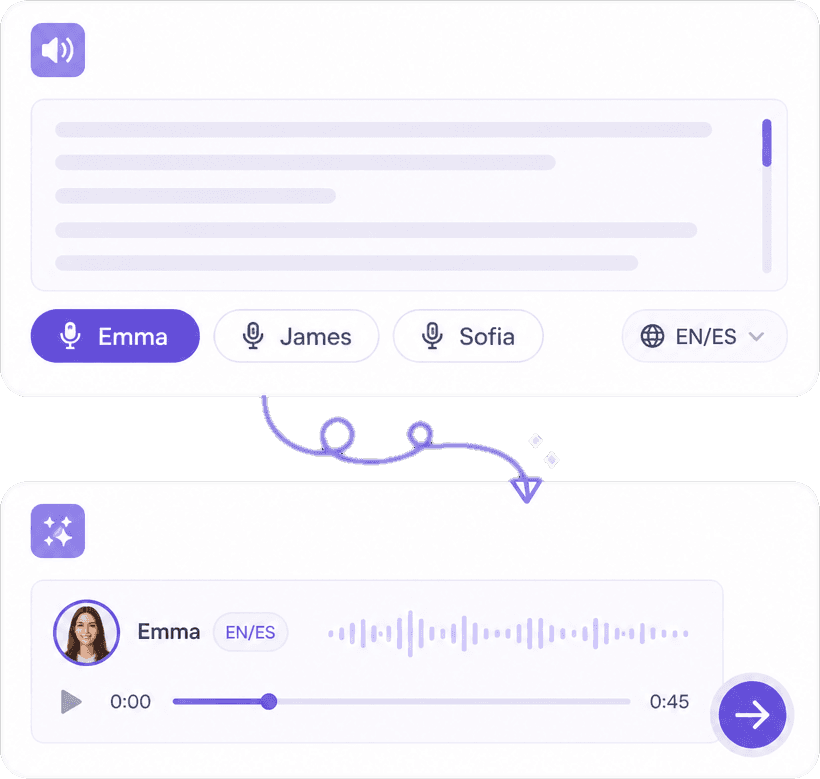
Choose male and female voices across languages and regional accents for language practice or localized previews. Export audio files for offline study or internal review. Pronunciation of names and acronyms may need manual spelling tweaks (e.g., separating letters) for best results.
Reading on screen fatigues eyes; hearing dense copy surfaces awkward sentences you would skim silently. TTS also supports inclusive design for vision limitations and multilingual learners. For transcription, dubbing, and integrated voice workflows, continue at https://www.knowant.com/product/voice-with-ai.
Support readers who benefit from audio — complement TTS with proper HTML semantics on the web.
Hear foreign-language passages at controlled speed while following along in text.
Plain text, docs, ebooks, and web articles — prep linear text for the smoothest read.
Download audio for commutes; pair with Knowant Voice for larger voice projects.
Add content, pick a voice, listen and download — three steps from text to audio you can use responsibly.
Paste the section you want heard, or upload a supported document. Remove navigation boilerplate from web paste so the voice reads only body content.
Pick language, voice, and pacing suited to dense vs casual material. Slower speed helps exam review; slightly faster works for news-style copy.
Fix the text if something sounds wrong, regenerate, and export audio if you need offline playback. For studio-grade workflows, explore https://www.knowant.com/product/voice-with-ai.
Learners and teams use Knowant TTS to consume documents hands-free and catch wording issues early.
“This AI Translator helps me understand academic materials in multiple languages while keeping the meaning accurate. It's much better than traditional translators.”
Annika Palmari
“I use it to generate eye-catching YouTube thumbnails and social media graphics. The image quality is fantastic and saves me a lot of time.”

Ryan Hoffman
“Converting invoices and purchase reports into Excel has become effortless. The table recognition is incredibly accurate.”

Austin Distel
“I use it to generate social media posts and ads. The content is always engaging and relevant to my audience.”

Brooke cagle
Voices, file types, accessibility, language learning, and commercial use of AI-generated audio.
AI text to speech synthesizes spoken audio from written text using neural voice models that mimic human intonation and rhythm. It powers accessibility tools, language learning aids, and draft narration for media. Synthetic speech is not a human performance — disclose AI voice when your platform, client, or jurisdiction requires transparency.
Yes, when you paste extracted text, enter a supported URL, or upload a readable PDF or DOCX. Scanned PDFs need OCR first. Respect robots.txt, paywalls, and copyright: listening for personal study differs from republishing audio of someone else’s article without permission.
Common inputs include plain text paste, TXT, PDF, DOCX, presentations, and ebooks depending on plan and parser support. Tables and sidebars may read poorly unless you paste a simplified version. Test a short sample before generating long audio to catch formatting issues.
Most setups offer multiple genders, accents, and languages with adjustable speed. Switch voices to find one that handles your vocabulary — medical and technical terms sometimes need phonetic spelling. For brand consistency across products, note which voice ID you used for future updates.
You can generate speech on this page within free usage limits. Long documents, higher quality tiers, and commercial quotas may require an account or paid plan. Knowant Voice at https://www.knowant.com/product/voice-with-ai bundles broader voice capabilities when TTS is one step in a larger pipeline.
Students reviewing notes, professionals proofing reports, language learners, people with visual impairments or reading disabilities, and creators storyboarding narration all use TTS. It reduces eye strain and reveals awkward phrasing. It does not replace human audiobook narrators for every commercial release without checking licensing and disclosure rules.
Terms vary by provider, voice license, and country. Marketing, IVR, and monetized videos may need explicit commercial rights and synthetic voice disclosure. Read Knowant’s terms for your tier, get client approval, and avoid impersonating real people without consent.
This page focuses on quick conversion of text and documents into listenable audio. Knowant Voice at https://www.knowant.com/product/voice-with-ai is the hub for broader voice AI — pairing TTS with speech-to-text, production workflows, and related tools. Use free TTS here for drafts and personal listening; use Voice when voice is central to your product or content pipeline.
 Knowant
Turn written content into spoken audio with realistic AI voices in multiple languages. Paste an essay draft to hear flow problems, listen to a long PDF during a walk, or generate narration drafts for videos and podcasts — then re-record with a human voice if your project requires it. Check rights before converting paywalled or licensed text.