Image to Excel Converter
Upload images and convert tables into an editable spreadsheet.
or
Drag and drop files here
By uploading a file you agree to our Terms of Service. To learn more about how we handle your personal data, check our Privacy Policy.
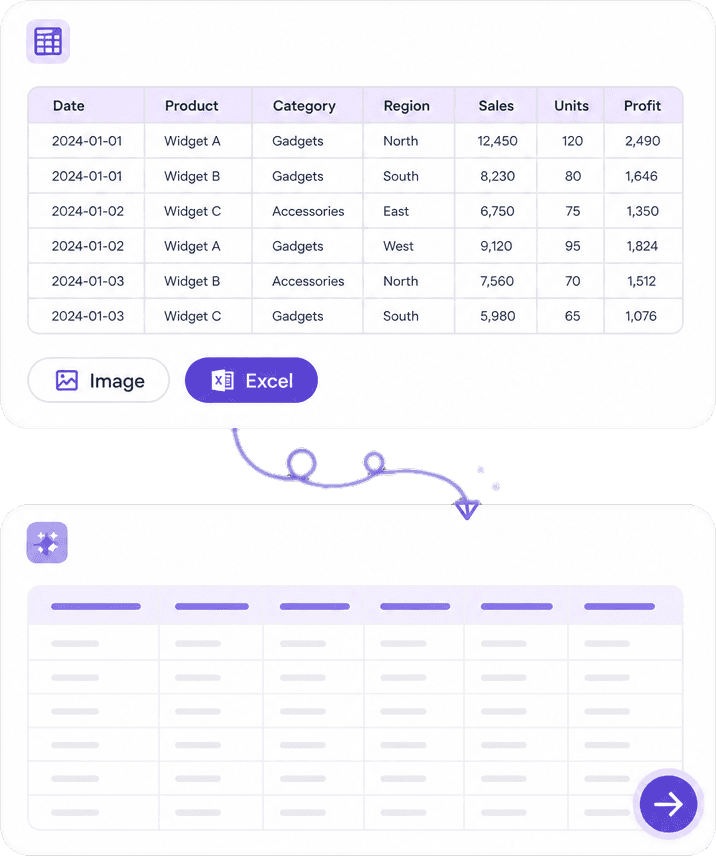
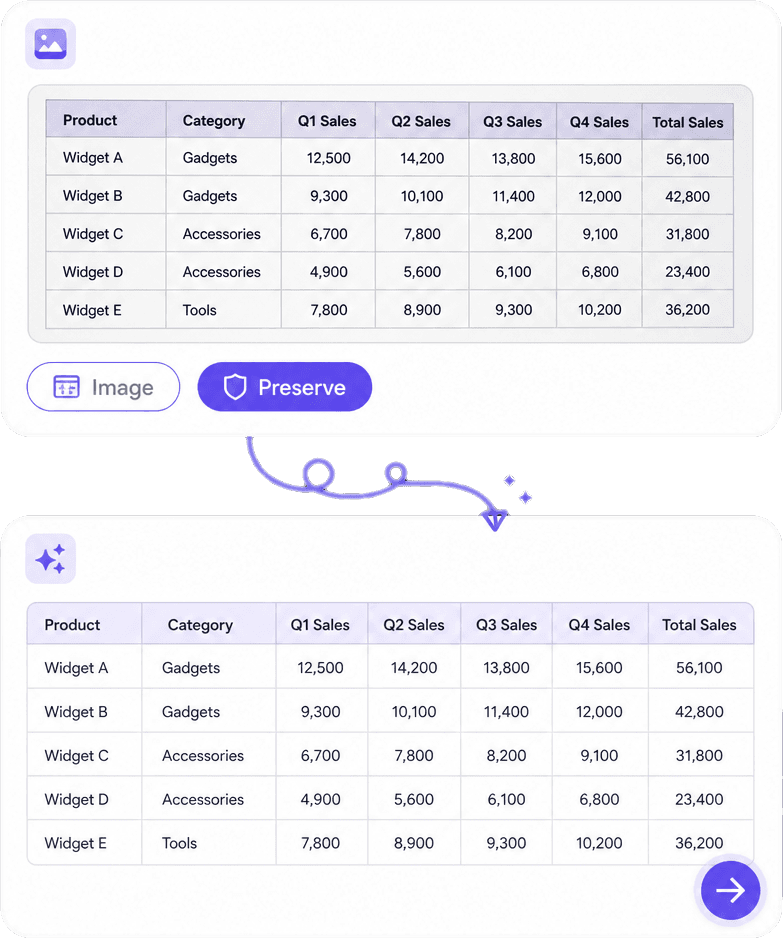

Free AI Image to Excel Converter
Convert images, scanned documents, invoices, receipts, tables, forms, reports, and PDFs into editable Excel spreadsheets using AI-powered OCR. Extract structured data accurately within seconds.
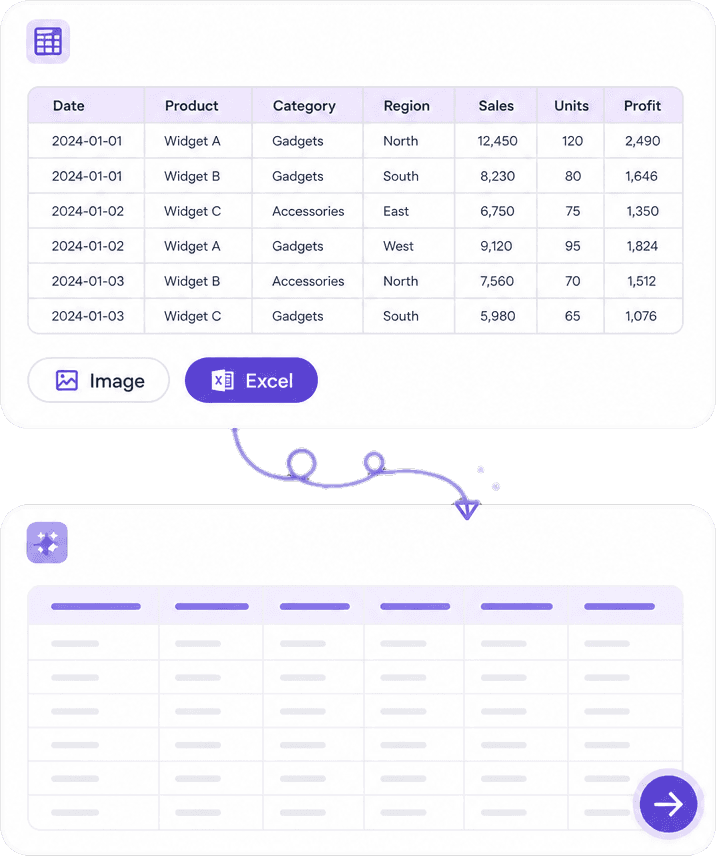
Extract Tables from Images
Automatically detect tables in images, scanned documents, receipts, invoices, reports, and forms, then convert them into fully editable Excel worksheets.
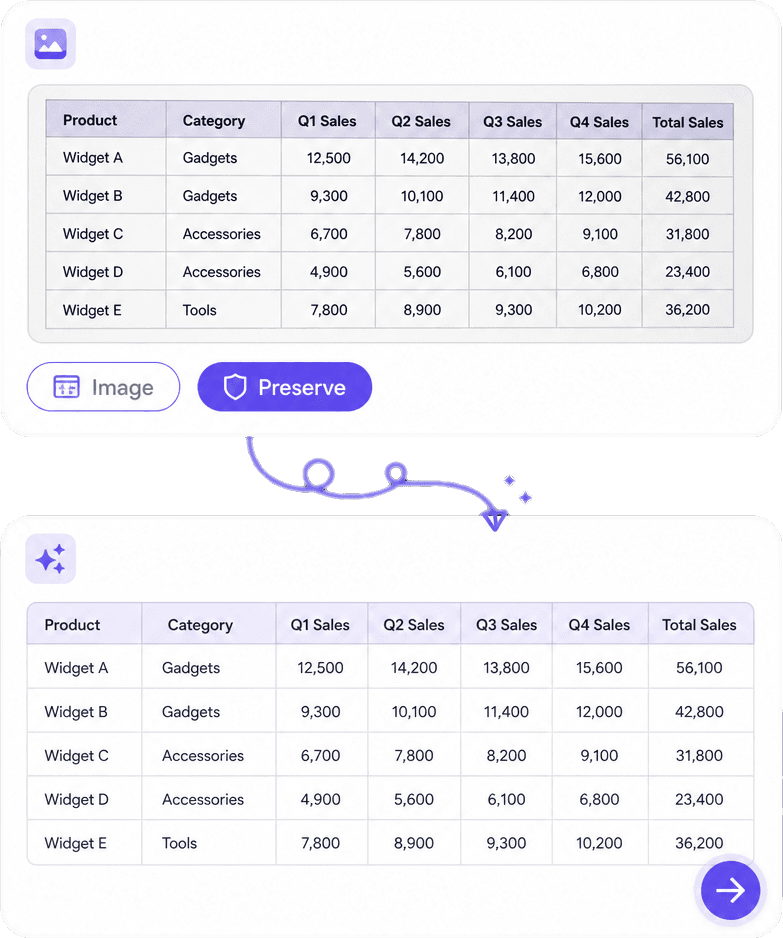
Preserve Rows & Columns
Our AI maintains table layouts, rows, columns, headers, numbers, and formatting to minimize manual corrections after conversion.

Fast & Accurate OCR
Advanced OCR accurately recognizes printed text, numbers, and structured data, allowing you to convert images into Excel spreadsheets within seconds.
Why Choose Our AI Image to Excel Converter?
Powered by advanced OCR and AI table recognition, our converter accurately extracts structured data from images, reducing manual data entry and improving productivity.
AI OCR Technology
Extract structured data from images using intelligent Optical Character Recognition with excellent accuracy.
Automatic Table Detection
Identify rows, columns, merged cells, and tables automatically without manual selection.
Excel-Ready Output
Generate editable Excel spreadsheets that are easy to analyze, sort, filter, and share.
Boost Productivity
Eliminate repetitive data entry and convert large volumes of tabular information into Excel in just a few clicks.
How the AI Image to Excel Converter Works
Upload Your Image
Upload an image, scanned document, receipt, invoice, report, or PDF containing tables or structured data.
AI Detects Tables
Our AI OCR automatically identifies table structures, extracts rows and columns, and converts them into spreadsheet data.
Download Excel File
Review the extracted data, make any necessary adjustments, and download the results as an editable Excel spreadsheet.
Trusted by Businesses & Professionals
Discover how accountants, finance teams, operations managers, researchers, and businesses use our AI Image to Excel Converter to automate data extraction.

Annika Palmari
International Student
This AI Translator helps me understand academic materials in multiple languages while keeping the meaning accurate. It's much better than traditional translators.

Ryan Hoffman
Travel Blogger
I use it to generate eye-catching YouTube thumbnails and social media graphics. The image quality is fantastic and saves me a lot of time.

Austin Distel
Business Consultant
Converting invoices and purchase reports into Excel has become effortless. The table recognition is incredibly accurate.

Brooke cagle
Content Creator
I use it to generate social media posts and ads. The content is always engaging and relevant to my audience.
AI Image to Excel Converter FAQs
Everything you need to know about converting images into editable Excel spreadsheets using AI.
Convert Images into Excel Instantly
Save hours of manual typing by automatically converting image-based tables into editable Excel spreadsheets with AI.