
Google Flow tools are custom creative workflows you can run inside Google Flow — and in September 2026, Google Labs shared six new ones built with working creatives in sound design, architecture, filmmaking, and digital content.
The short version: instead of forcing every artist into the same rigid app, Flow lets people describe a job and shape a tool around it. These six releases are ready-made starting points you can try, duplicate, remix, or use as inspiration to build your own.
At KnowAnt, we cover AI launches the same way we cover writing tools — name the product, say what it actually does, then map it to a real workflow. If you need thumbnails, video, or social assets outside Flow, Create with AI is KnowAnt’s creator stack for images, video, and posts.
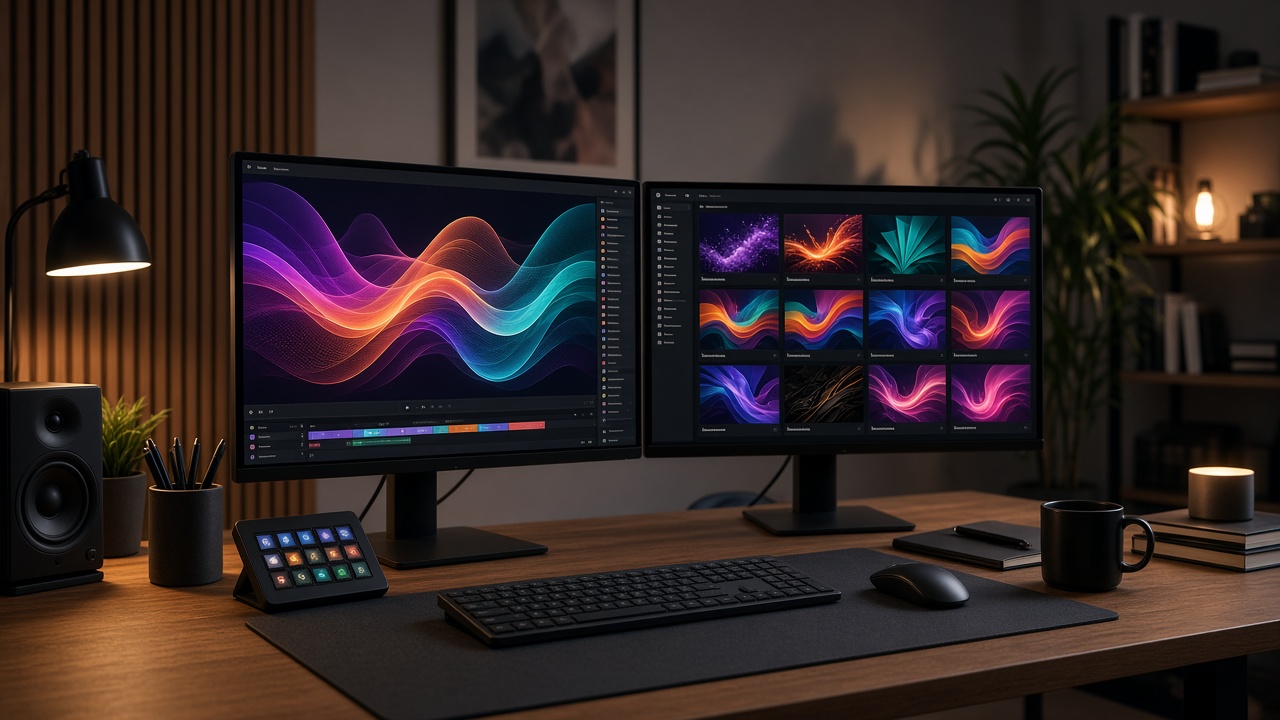
Quick Answer: What Are the 6 New Google Flow Tools?
| Tool | Built with | What it does |
|---|---|---|
| Mondo Sónico | Ricardo Villavicencio & Sebastián Carvallo | Custom ambiance, foley, and SFX on synced editable stems |
| CaptionCast | Jay Pirabakaran | Transcribe, style, and animate multilingual captions in one pass |
| ThumbnailForge | Jay Pirabakaran | Turn one image + headline + prompt into social thumbnails |
| Surface | Vojtek Morsztyn | Generate textures and map them onto 3D walls, ceilings, floors |
| CollageMotion Pro | Hashem Al-Ghaili | Animated mixed-media collages from text prompts |
| SwissFlow Studio | Hashem Al-Ghaili | Convert scripts into Swiss-style motion graphics |
How to use them: try a tool as published, duplicate and remix it for your stack, or open Google Flow and describe a new task to build from scratch.
Table of Contents
- Quick Answer: What Are the 6 New Google Flow Tools?
- What Is Google Flow?
- 1. Mondo Sónico — AI Sound Design Stems
- 2. CaptionCast — Multilingual Captions Fast
- 3. ThumbnailForge — Social Cover Art in One Pass
- 4. Surface — Materials for Architecture Ideation
- 5. CollageMotion Pro — Animated Documentary Collages
- 6. SwissFlow Studio — Script to Motion Graphics
- Who These Tools Are For
- How Google Flow Custom Tools Work
- Google Flow Tools vs Everyday Creator Apps
- Frequently Asked Questions
- Bottom Line
What Is Google Flow?
Google Flow is Google Labs’ creative environment for building and running AI workflows. The pitch is simple: creatives do not all need the same timeline editor or the same caption plugin. They need a way to say “do this job the way I work” and get a reusable tool.
Google has been bringing filmmaking, architecture, sound design, and digital content into Flow. The September 2026 drop focuses on tools co-shaped with industry practitioners — so the feature list reads like production pain points, not lab demos.
1. Mondo Sónico — AI Sound Design Stems
Creators: creative director Ricardo Villavicencio and sound designer Sebastián Carvallo.
Problem it solves: static or one-shot AI audio that cannot be split, edited, or exported cleanly for post.
What Mondo Sónico does: generates custom background ambiance, foley, and contextual sound effects, then keeps them automatically synchronized across separate, editable tracks. You can export individual stems for professional post-production instead of living with a single flattened mix.
Best for: filmmakers, game audio, branded video, and anyone who needs flexible sound beds without rebuilding every layer by hand.
2. CaptionCast — Multilingual Captions Fast
Creator: digital storyteller Jay Pirabakaran.
Problem it solves: manual subtitling — transcribe, style, animate, rinse, repeat — across languages.
What CaptionCast does: a single-pass pipeline that transcribes, styles, and animates multilingual captions in seconds. Built for cinematic, high-fashion, mythology-heavy visual storytelling where captions are part of the look, not an afterthought.
Best for: Reels, Shorts, YouTube, and social-first creators shipping captions at volume.
3. ThumbnailForge — Social Cover Art in One Pass
Creator: also Jay Pirabakaran.
Problem it solves: hand-formatting and re-rendering cover art for every platform size and style.
What ThumbnailForge does: combines one image, a headline, and a prompt into photorealistic, high-engagement social thumbnails. Less layout grinding; more testing which hook actually gets the click.
Best for: YouTubers, newsletter creators, and social teams that need many variants fast.
If you also publish outside Google’s ecosystem, KnowAnt’s Create with AI covers thumbnails and social posts from a short brief in a separate creator workspace.
4. Surface — Materials for Architecture Ideation
Creator: interior designer and multidisciplinary technologist Vojtek Morsztyn.
Problem it solves: slow material sourcing, testing, and rendering early in architectural ideation.
What Surface does: generates custom textures — from minimalist patterns to Art Deco tiling — and maps them in real time onto 3D walls, ceilings, and floors. The point is faster look development before you commit to a full render farm pass.
Best for: architects, interior designers, and spatial designers exploring finishes early.
5. CollageMotion Pro — Animated Documentary Collages
Creator: filmmaker and science communicator Hashem Al-Ghaili.
Problem it solves: mixed-media documentary collages that look great and take forever to build by hand.
What CollageMotion Pro does: automates that workflow and generates dynamic, animated collages at scale from simple text prompts. Useful when explainers and science stories need motion without a full after-effects marathon.
Best for: documentary editors, science communicators, and educational video teams.
6. SwissFlow Studio — Script to Motion Graphics
Creator: also Hashem Al-Ghaili.
Problem it solves: traditional keyframing for clean, Swiss-style motion graphics.
What SwissFlow Studio does: converts scripts into Swiss-style motion graphics on demand so creators, designers, and marketers can spend time on the story instead of every keyframe.
Best for: brand films, explainers, and marketers who need sharp motion design without a dedicated motion department for every cut.
Who These Tools Are For
| Role | Start with |
|---|---|
| Sound designers / film audio | Mondo Sónico |
| Social video creators | CaptionCast, ThumbnailForge |
| Architects / interiors | Surface |
| Documentary / science video | CollageMotion Pro |
| Marketers / motion designers | SwissFlow Studio |
| Builders who want a custom pipeline | Duplicate any tool — or describe a new one in Flow |
How Google Flow Custom Tools Work
Google’s framing for Flow Tools is three steps:
- Try the published creative tools as they ship.
- Duplicate and remix any tool so it matches your file types, brands, or export habits.
- Build from scratch — open Flow, describe the task in plain language, and assemble your own workflow.
That model matters more than any single GIF demo. The six tools are proof that specialists in architecture, sound, and digital content can ship workflows other people can adopt — without waiting for a one-size-fits-all feature request queue.
Google Flow Tools vs Everyday Creator Apps
| Google Flow Tools | Typical creator SaaS | |
|---|---|---|
| Shape | Custom / remixable workflows | Fixed product features |
| Authorship | Co-built with industry creatives | Vendor roadmap |
| Best use | Specialist pipelines (stems, captions, materials, motion) | Daily publishing stack |
| Flexibility | Describe a task and extend it | Settings and templates |
Many creators will use both: Flow for experimental or specialist pipelines, and always-on tools for drafts, grammar, and publishing. KnowAnt covers the second lane with Create with AI, Writer, and the blog for launch explainers.
Frequently Asked Questions
What are the 6 new Google Flow tools?
They are Mondo Sónico, CaptionCast, ThumbnailForge, Surface, CollageMotion Pro, and SwissFlow Studio — creator-built workflows for sound stems, captions, thumbnails, architectural materials, animated collages, and Swiss-style motion graphics.
When were the new Google Flow tools announced?
Google Labs announced the six tools in September 2026, after working with creatives in architecture, sound design, and digital content.
What is Mondo Sónico?
Mondo Sónico is a Google Flow tool that generates ambiance, foley, and contextual sound effects on synchronized editable tracks, with stem export for post-production.
What is CaptionCast?
CaptionCast is a single-pass caption workflow that transcribes, styles, and animates multilingual subtitles for digital storytelling and social video.
What is ThumbnailForge?
ThumbnailForge turns a single image, headline, and prompt into photorealistic, high-engagement social thumbnails without manual multi-platform reformatting.
What is Surface in Google Flow?
Surface generates custom textures and maps them in real time onto 3D walls, ceilings, and floors to speed up architectural material ideation.
What is CollageMotion Pro?
CollageMotion Pro generates animated mixed-media collages from text prompts, aimed at documentary and science-communication visuals.
What is SwissFlow Studio?
SwissFlow Studio converts scripts into Swiss-style motion graphics so creators and marketers can produce motion design without heavy traditional keyframing.
Can I build my own Google Flow tool?
Yes. Google positions Flow so you can duplicate and remix existing tools or open Flow, describe a task, and build a custom workflow from scratch.
Who built these Google Flow tools?
They were developed with industry creatives including Ricardo Villavicencio, Sebastián Carvallo, Jay Pirabakaran, Vojtek Morsztyn, and Hashem Al-Ghaili, alongside Google Labs product and research teams.
Bottom Line
The six new Google Flow tools are not a random feature dump. They are specialist workflows — sound stems, captions, thumbnails, materials, collages, motion graphics — shipped with the people who feel those bottlenecks every week.
If you already live in Google’s creative stack, try the tool closest to your bottleneck, then remix it. If you need a separate daily creator workspace for images, video, and social posts, start at Knowant Create with AI and keep Flow for the pipelines that need to stay custom.