Video Story Generator
Build a scene script from a topic or story, then generate video.
Or drag and drop an image
By creating a video you agree to our Terms of Service. To learn more about how we handle your personal data, check our Privacy Policy.
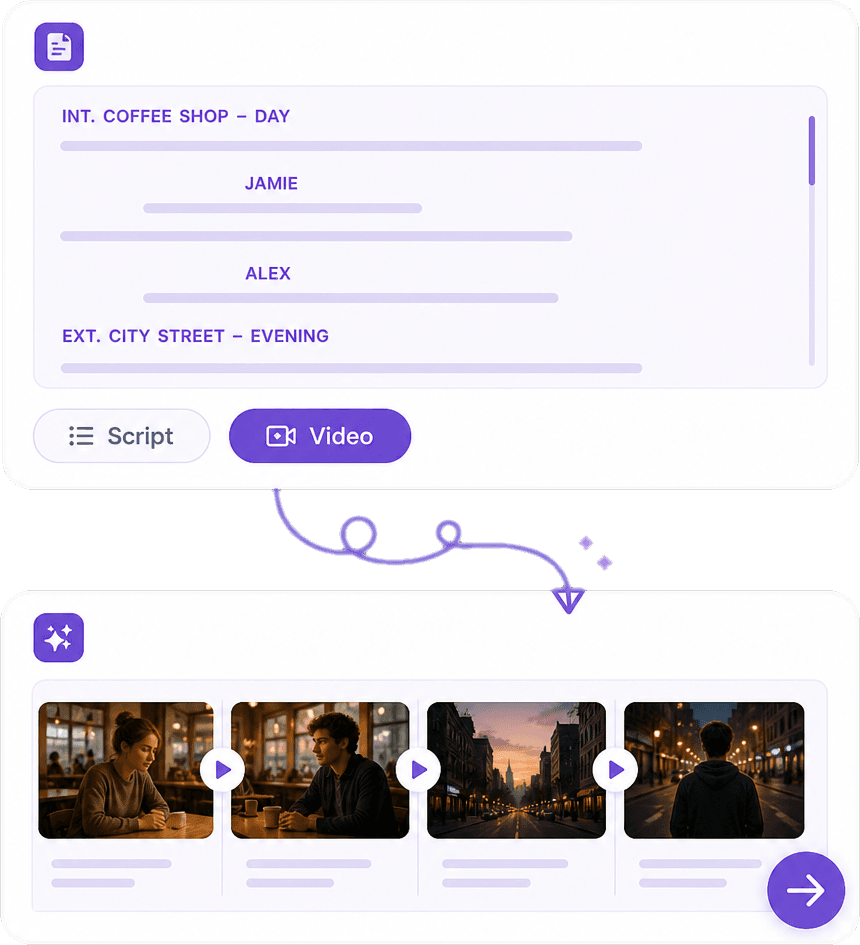
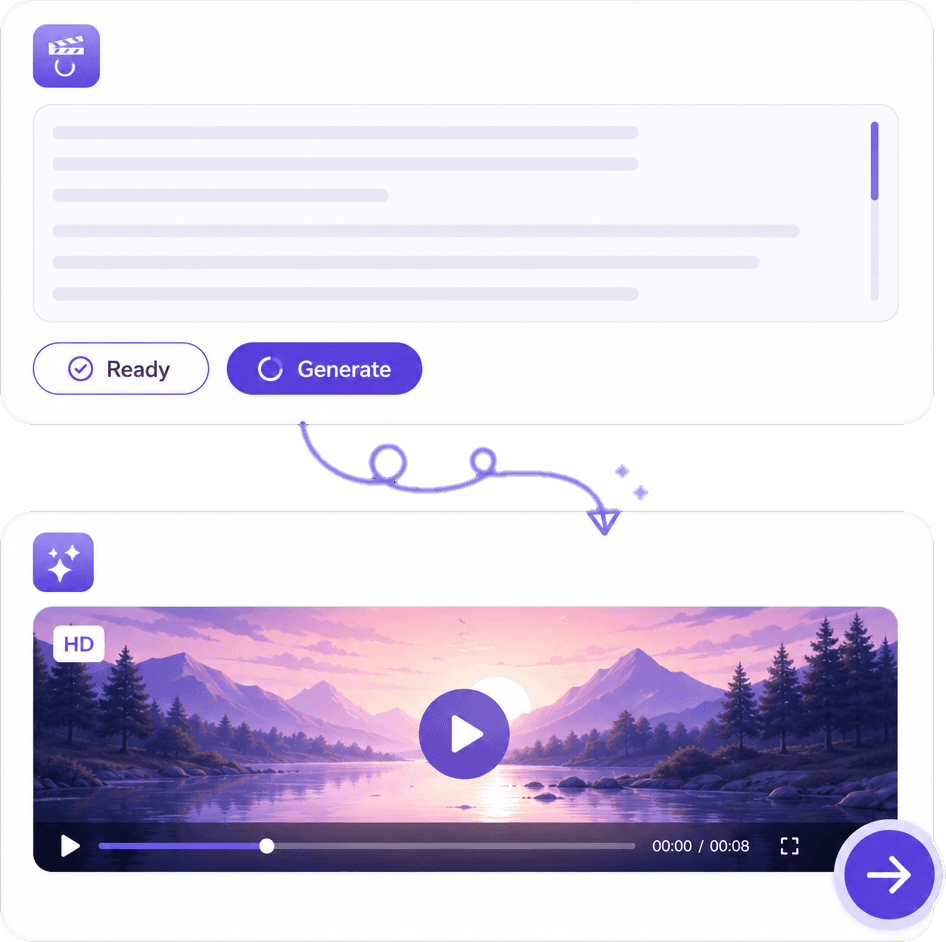
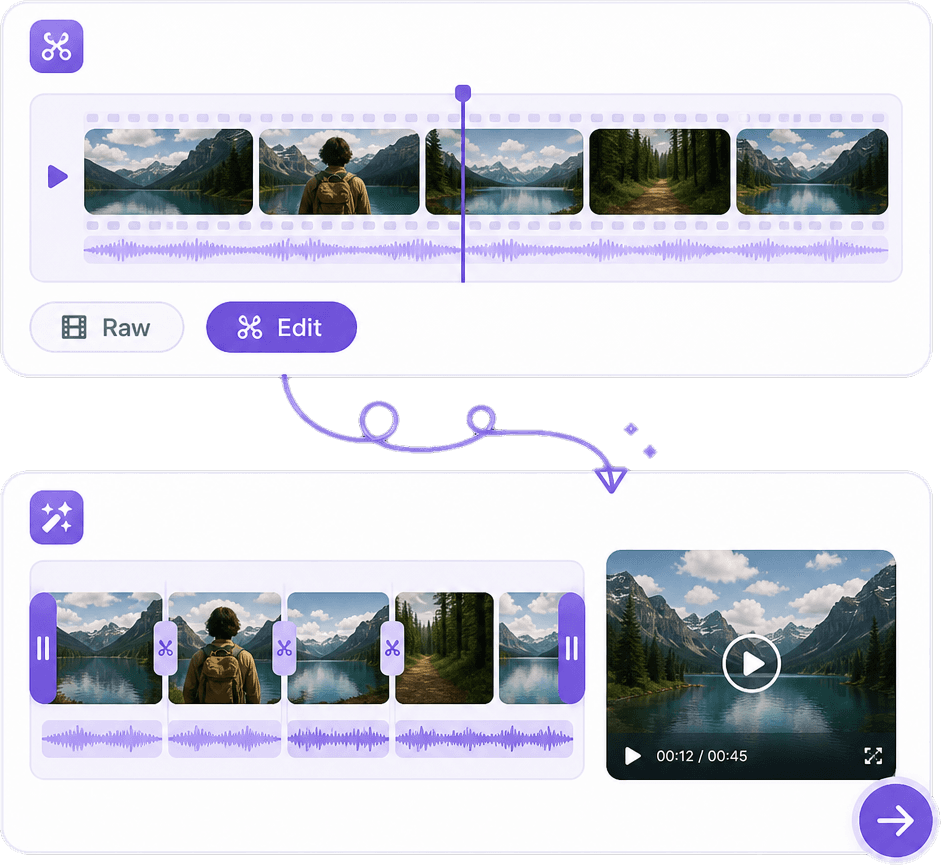
Turn Scripts into Videos with AI
Transform your script into a complete visual story with AI. Automatically divide your script into scenes, generate images for each scene, create voiceovers, add subtitles and music, and assemble everything into an engaging video.
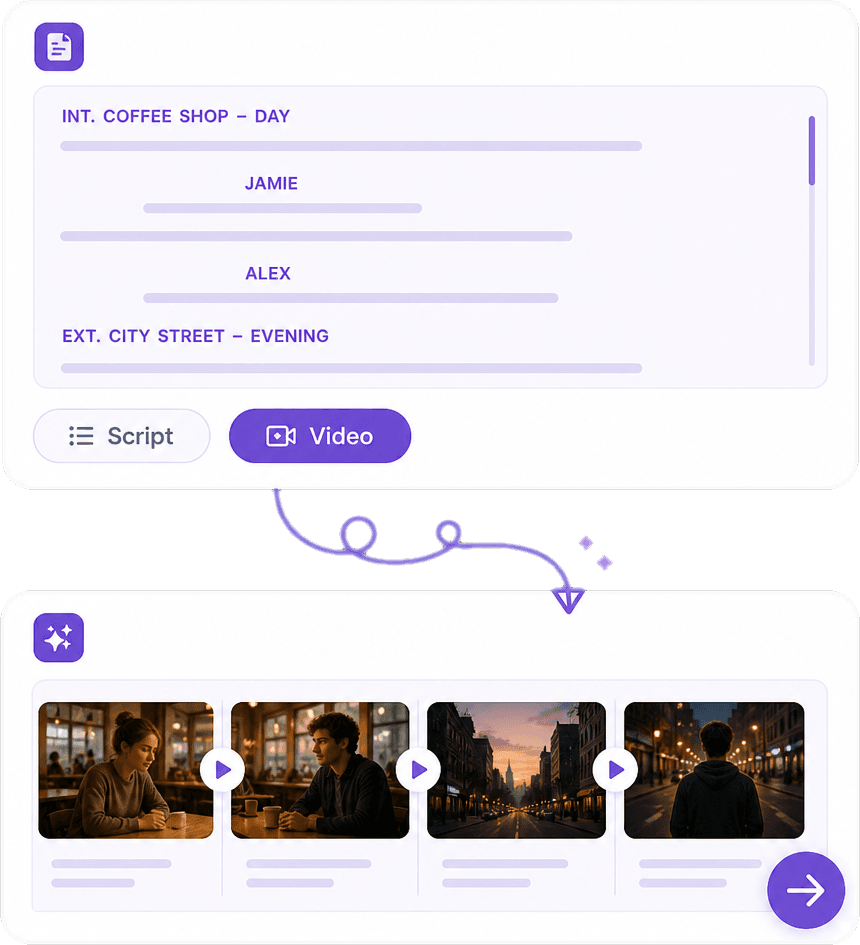
Turn Script into Scenes
AI reads your script and automatically breaks it into logical scenes based on locations, characters, dialogue, actions, and story progression. Each scene can be edited before generating the video.
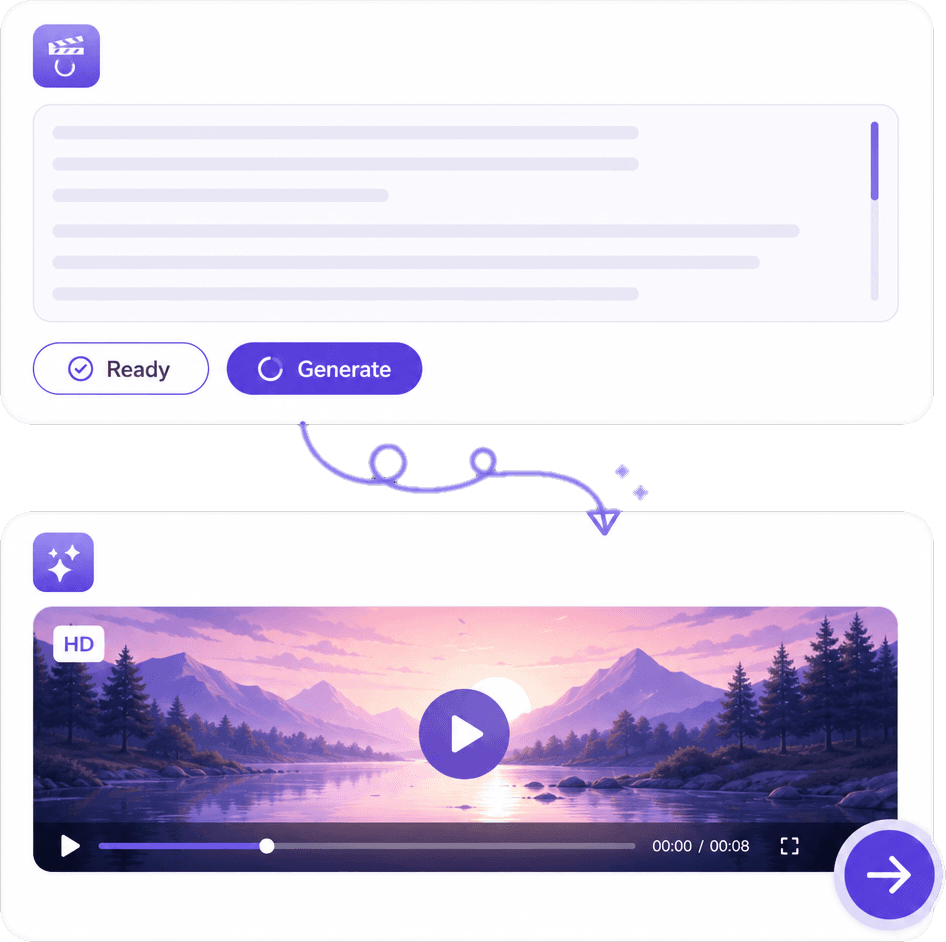
Generate Images for Every Scene
Create AI-generated visuals that match your script. Generate characters, environments, objects, cinematic shots, and scene-specific images to visually tell your story from beginning to end.
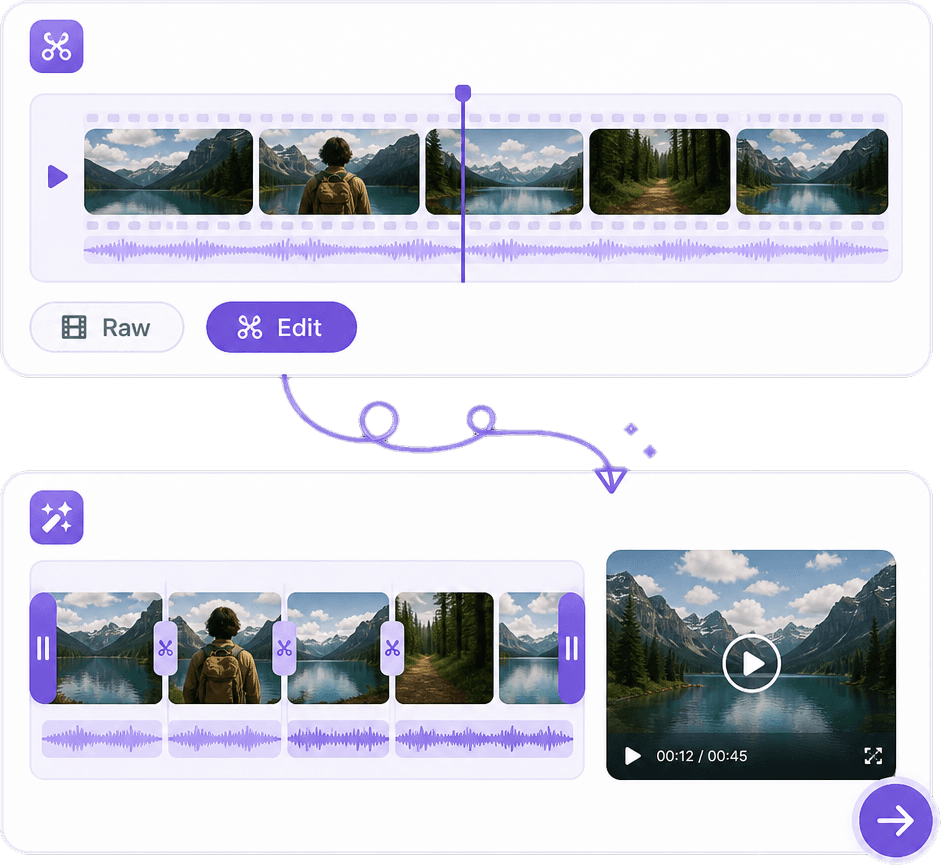
Add Voice, Captions & Video Effects
Turn your script into a complete video with AI voiceovers, character dialogue, subtitles, background music, sound effects, transitions, camera motion, and other visual effects.
Why Choose Our AI Script to Video Generator?
Skip the time-consuming process of manually turning a script into a storyboard. AI analyzes your script, creates scene descriptions, generates visuals for each scene, and helps transform your written story into a complete video.
Script-Aware Scene Creation
AI understands your script and automatically creates scene descriptions based on characters, locations, dialogue, actions, and story flow.
AI Images for Every Scene
Generate visuals specifically for each scene instead of searching for images manually. Create cinematic shots, characters, backgrounds, products, and environments from your script.
Consistent Visual Storytelling
Keep characters, environments, visual style, and story details consistent across scenes for a more cohesive and professional-looking video.
Complete Video Production
Combine generated scene visuals with narration, dialogue, subtitles, music, sound effects, transitions, and motion to turn your script into a finished video.
How AI Script to Video Works
Paste or Upload Your Script
Enter your script or upload your existing screenplay, story, narration, advertisement, educational script, or video script.
Generate Scenes & Images
AI analyzes the script, divides it into scenes, identifies characters and locations, and generates visual prompts and images that match each part of the story.
Create & Edit the Video
Add AI voiceovers, subtitles, music, sound effects, transitions, and motion. Review each scene, regenerate visuals when needed, and export your final video.
Built for Creators, Filmmakers & Marketers
YouTubers, filmmakers, storytellers, educators, marketers, and businesses use AI Script to Video to transform written ideas into engaging visual content.

Annika Palmari
International Student
This AI Translator helps me understand academic materials in multiple languages while keeping the meaning accurate. It's much better than traditional translators.

Ryan Hoffman
Travel Blogger
I use it to generate eye-catching YouTube thumbnails and social media graphics. The image quality is fantastic and saves me a lot of time.

Austin Distel
Business Consultant
Converting invoices and purchase reports into Excel has become effortless. The table recognition is incredibly accurate.

Brooke cagle
Content Creator
I use it to generate social media posts and ads. The content is always engaging and relevant to my audience.
AI Script to Video FAQs
Everything you need to know about turning scripts into videos with AI.
Turn Your Script into a Video
Upload or paste your script and let AI create scenes, visuals, narration, subtitles, and a ready-to-edit video timeline.