Create PowerPoint Slides from Text with AI
Turn text, topics, notes, documents, reports, scripts, and ideas into professional PowerPoint presentations. AI creates the slide structure, writes concise content, selects visual ideas, adds speaker notes, and generates a presentation-ready PPT slideshow.
Generate PPT Slides from Text
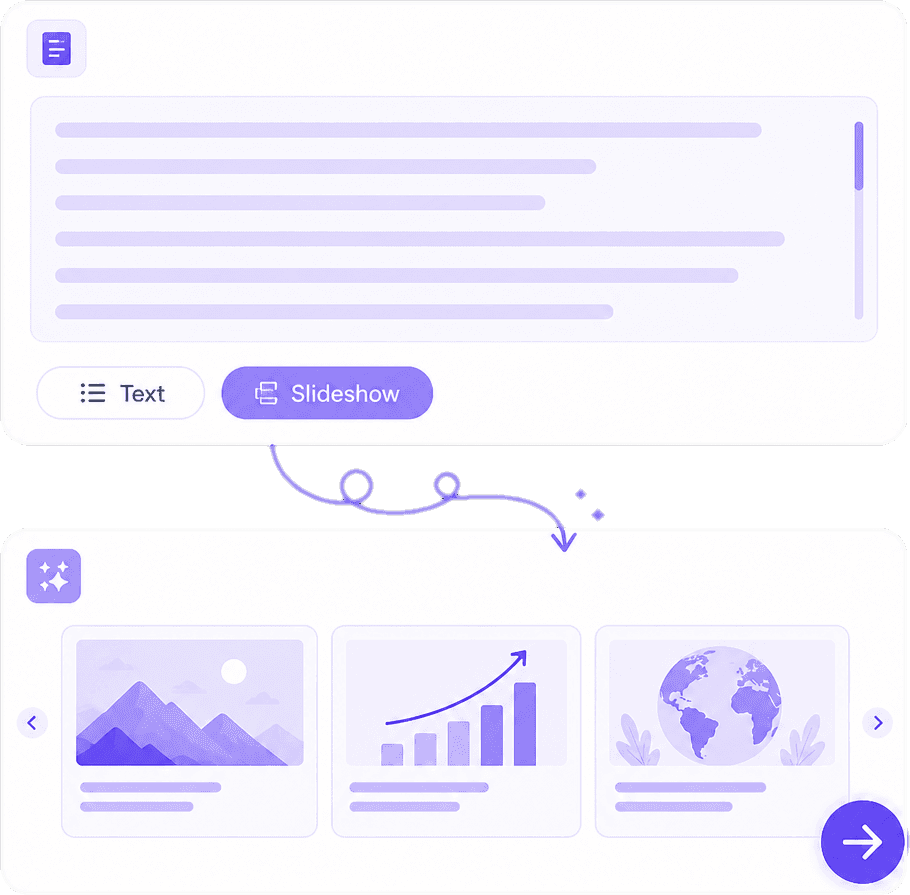
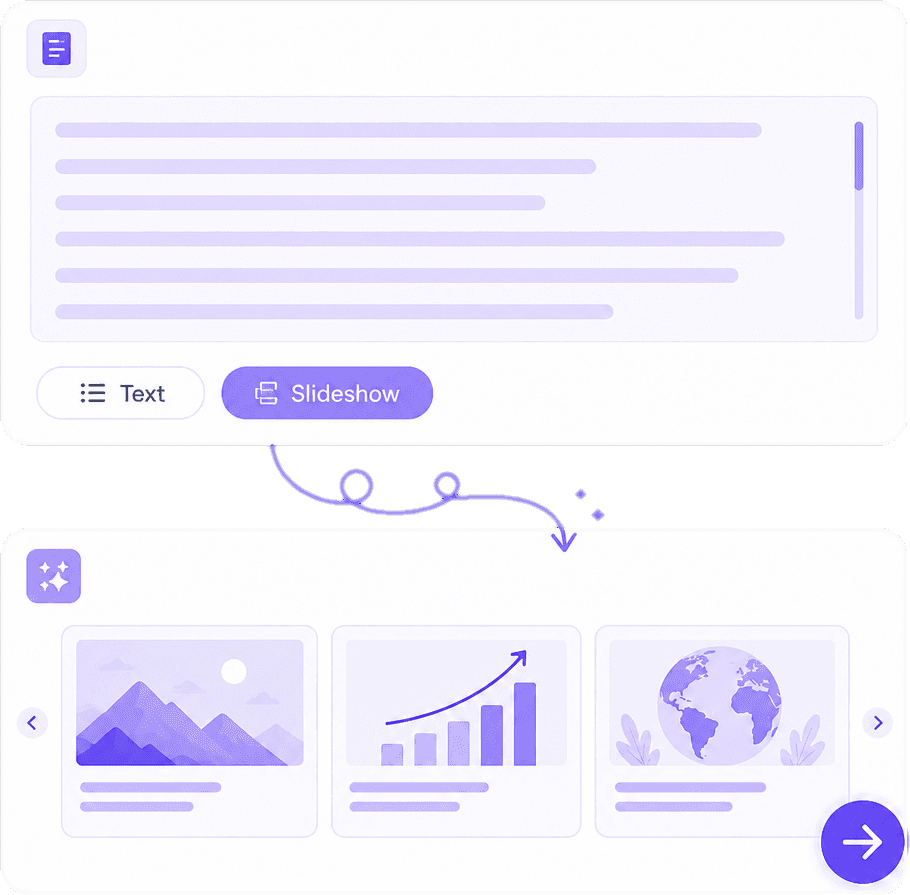
Paste your content, enter a topic, or upload supported documents and let AI automatically transform the information into a structured PowerPoint slideshow with relevant titles and slide content.
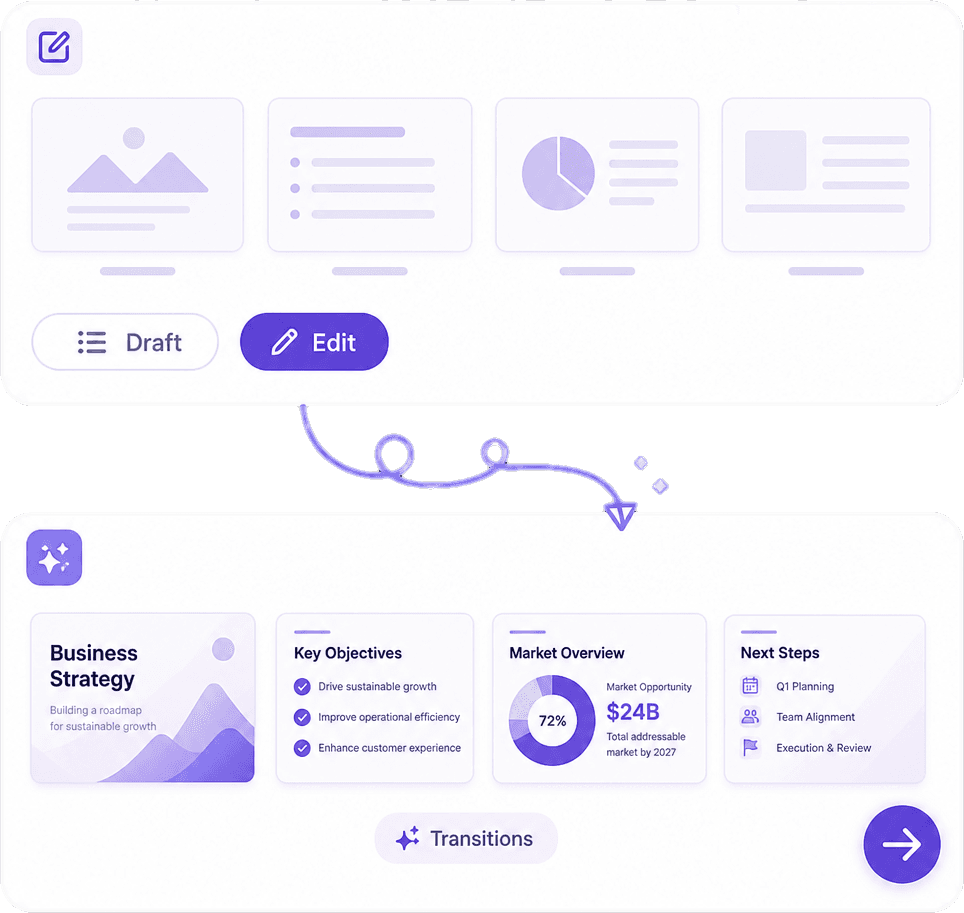
AI-Powered Slide Structure & Content
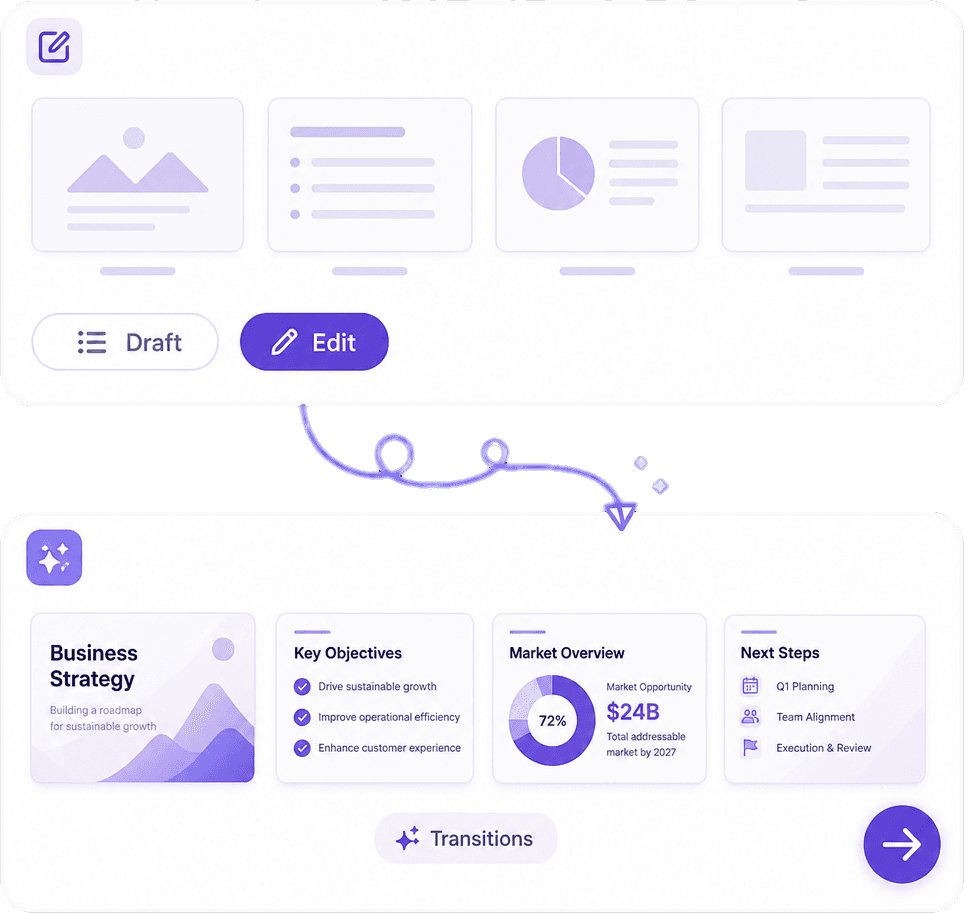
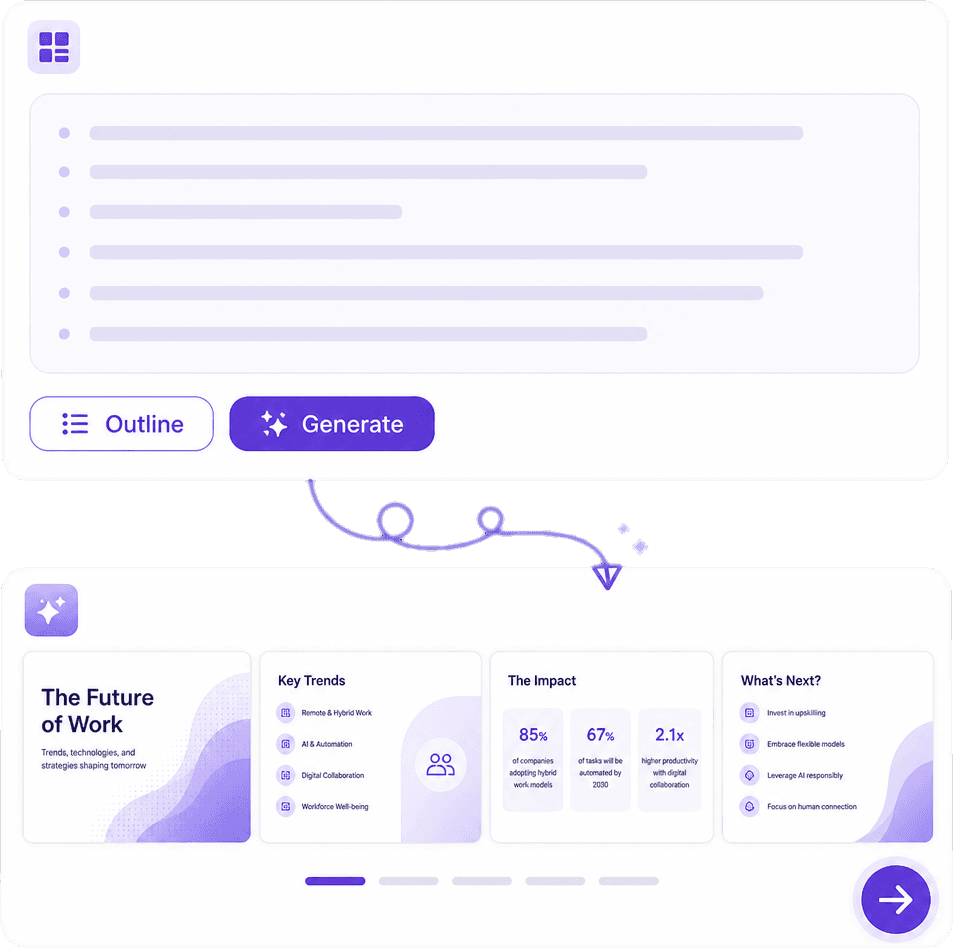
AI organizes your information into a logical presentation flow, including introduction, key points, supporting details, examples, comparisons, summaries, and conclusions while keeping each slide clear and concise.
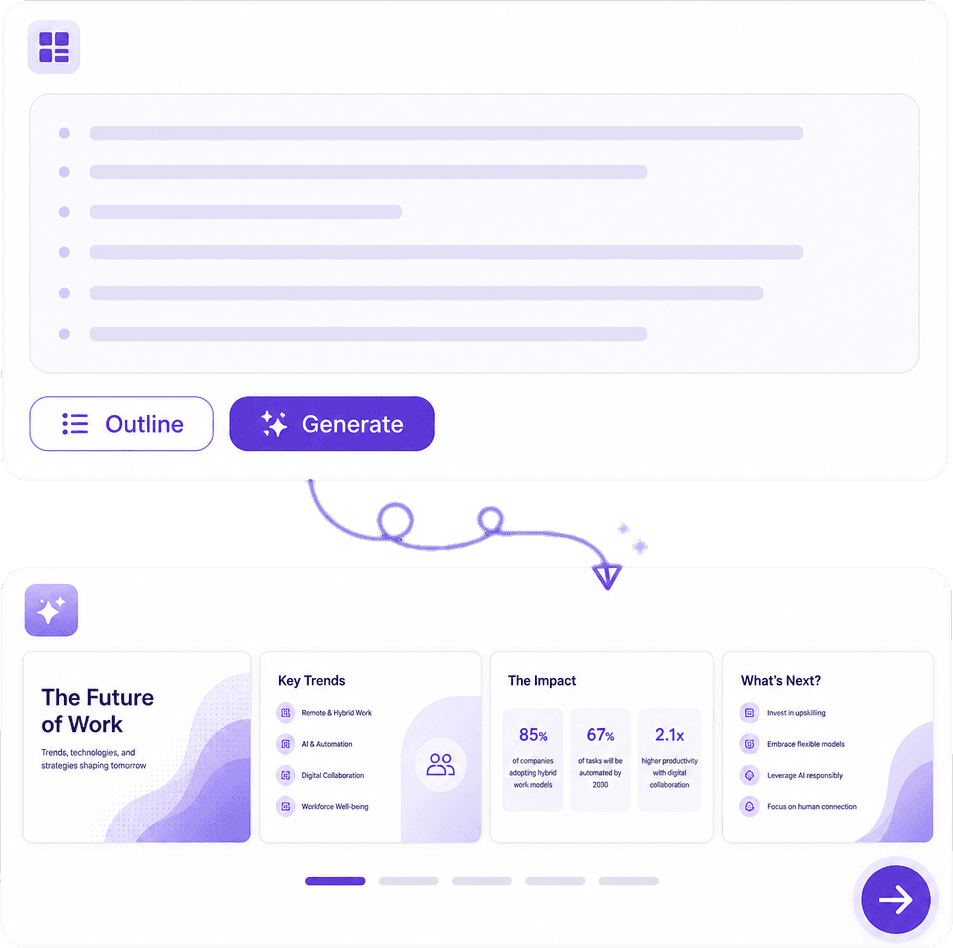
Images, Layouts & Speaker Notes
Create visually engaging slides with relevant images, icons, charts, layouts, design themes, and AI-generated speaker notes to help you present your ideas with confidence.
Why Choose Our AI Text to PPT Generator?
Skip the repetitive work of creating slides manually. AI turns your content into a professional PowerPoint deck with a logical story, clean slide structure, relevant visuals, and presentation-ready content in minutes.
Text to PowerPoint in Minutes
Convert topics, notes, articles, reports, research, and documents into complete PowerPoint slide decks without manually creating every slide.
Smart PPT Slide Structure
AI creates a logical sequence of slides with clear titles, concise bullet points, key takeaways, examples, and conclusions.
Visual & Presentation-Ready Slides
Add relevant images, icons, charts, diagrams, and professional layouts to turn text-heavy content into engaging visual presentations.
Customizable PowerPoint Templates
Choose presentation styles, themes, layouts, slide counts, and visual preferences to create PPT decks suited to your audience and purpose.
How AI Text to Slideshow PPT Works
Enter Text or Upload a Document
Enter a topic, paste your content, provide an outline, or upload supported documents such as reports, research papers, notes, articles, and business documents.
Customize Your PPT Slideshow
Choose the number of slides, presentation style, audience, tone, visual theme, and layout preferences. AI organizes your content into a clear PowerPoint structure.
Generate & Download PPT
Generate your PowerPoint slideshow, review and edit slides, customize visuals and speaker notes, then export the finished presentation for presenting, sharing, or further editing.
Create Presentations Faster with AI
Students, teachers, professionals, marketers, consultants, researchers, and businesses use AI to turn their content into polished PowerPoint presentations.

Annika Palmari
International Student
This AI Translator helps me understand academic materials in multiple languages while keeping the meaning accurate. It's much better than traditional translators.

Ryan Hoffman
Travel Blogger
I use it to generate eye-catching YouTube thumbnails and social media graphics. The image quality is fantastic and saves me a lot of time.

Austin Distel
Business Consultant
Converting invoices and purchase reports into Excel has become effortless. The table recognition is incredibly accurate.

Brooke cagle
Content Creator
I use it to generate social media posts and ads. The content is always engaging and relevant to my audience.
AI Text to Slideshow PPT FAQs
Everything you need to know about creating PowerPoint presentations from text with AI.
Turn Your Text into a PowerPoint
Enter your topic, paste your content, or upload a document and let AI create a complete PowerPoint slideshow ready to edit, present, and share.